Tell people what is going on before they write in
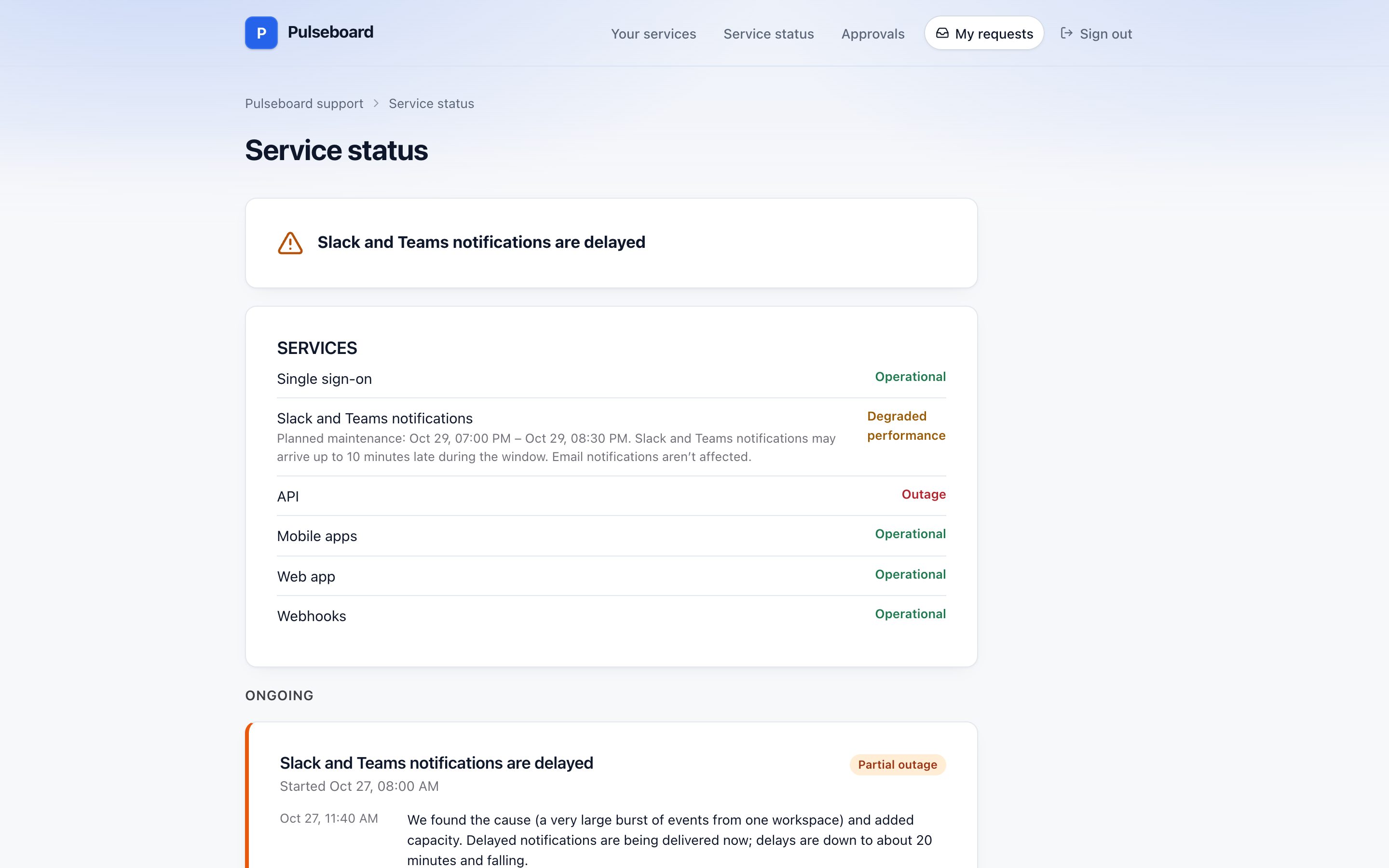
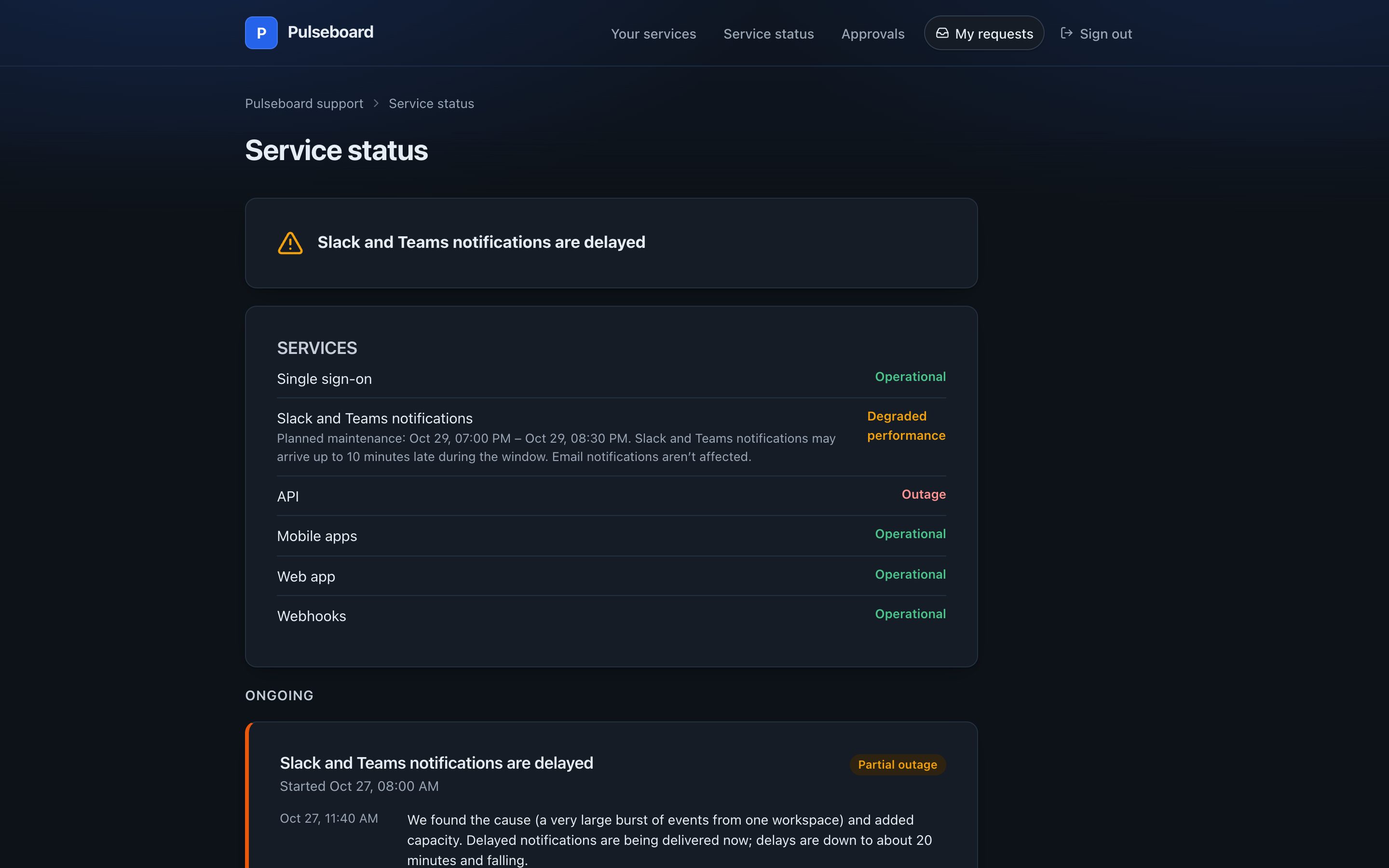
A status page on your support portal shows the state of your services and the incidents you choose to make public, in the portal’s brand and languages.
How it works
An admin picks which portals get a status page. An incident marked Show on the status page, with a public title, appears there as ongoing and stays for 14 days after it ends, for the portal’s part of the organization.
Visitors see the public title, the impact in plain words, the status and your updates. They never see the incident’s key, priority, internal notes or commander.
Above the incidents, a list shows the services marked for the status page with their health and, with Change Management, planned work for the next 14 days. Updates sent from the incident go to the page and to everyone who follows it by email.
Status Page is a plugin, and needs Incident Management. It is built into the desk and free like everything else: an admin turns it on under Settings → Plugins, and turning it off hides it everywhere and keeps its data.
What it includes
One per portal
Linked from the portal as Service status.
Public titles
And impact in plain words: outage, partial outage or degraded performance.
Services and planned work
Health now and maintenance coming up.
Email subscriptions
Visitors follow updates, with subscriber counts in settings.
The portal’s brand
Its header, corners and every enabled language, light and dark.
Nothing internal
Keys, priorities, notes and people stay inside.