Change things safely
A change is anything you do to a live service. Change Management makes each one planned, judged for risk, approved by the right people, carried out in an agreed window and checked afterwards.
How it works
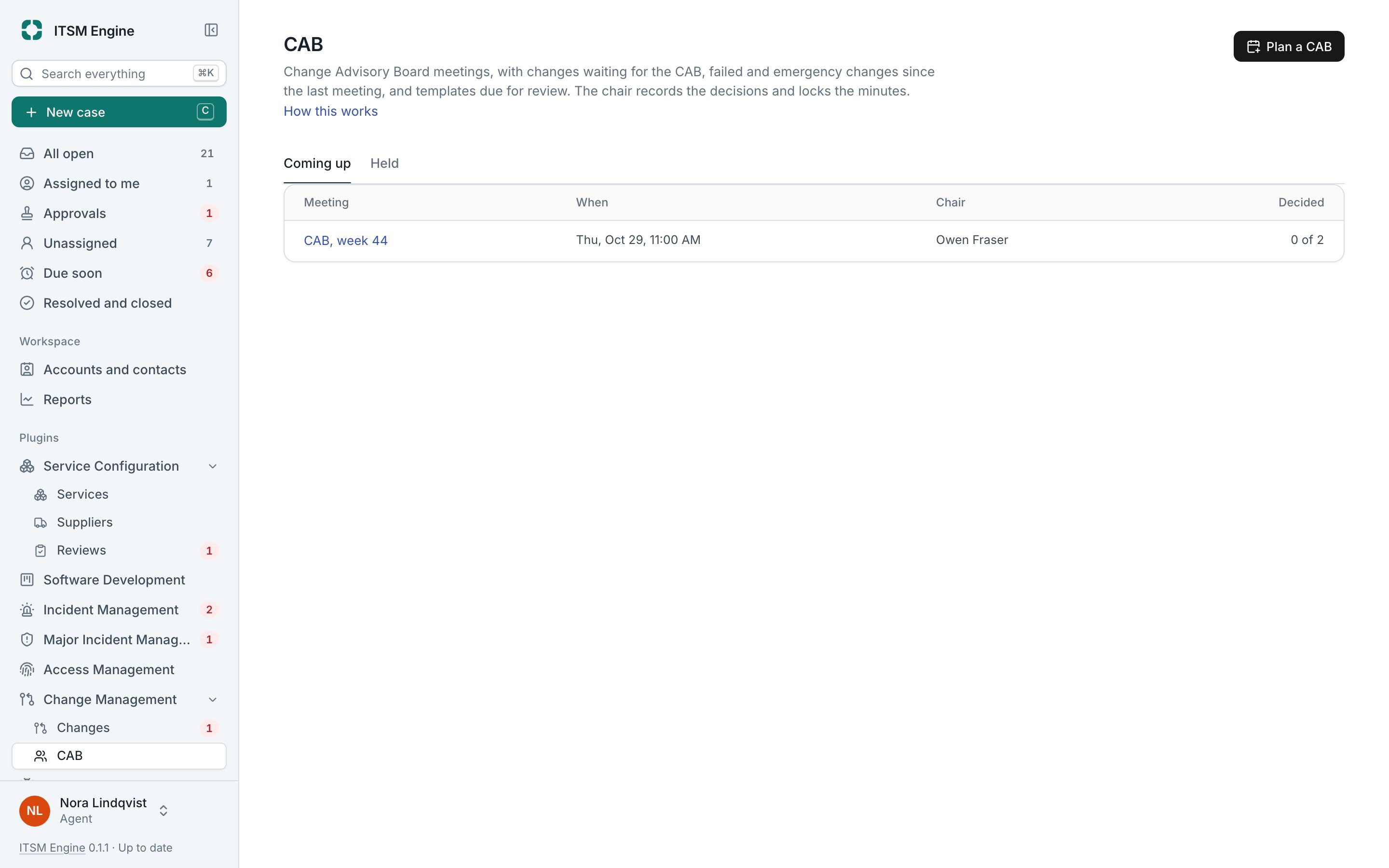
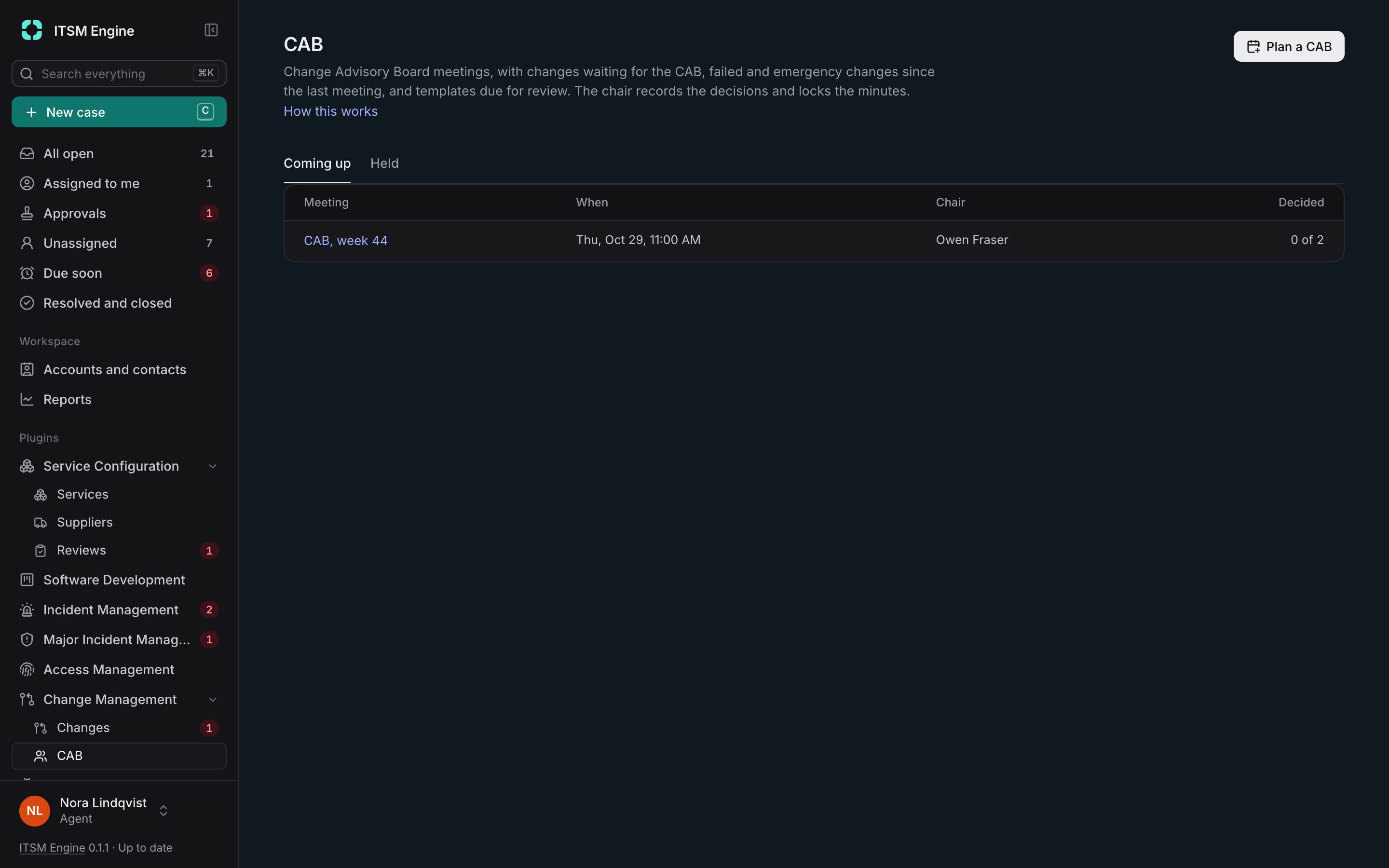
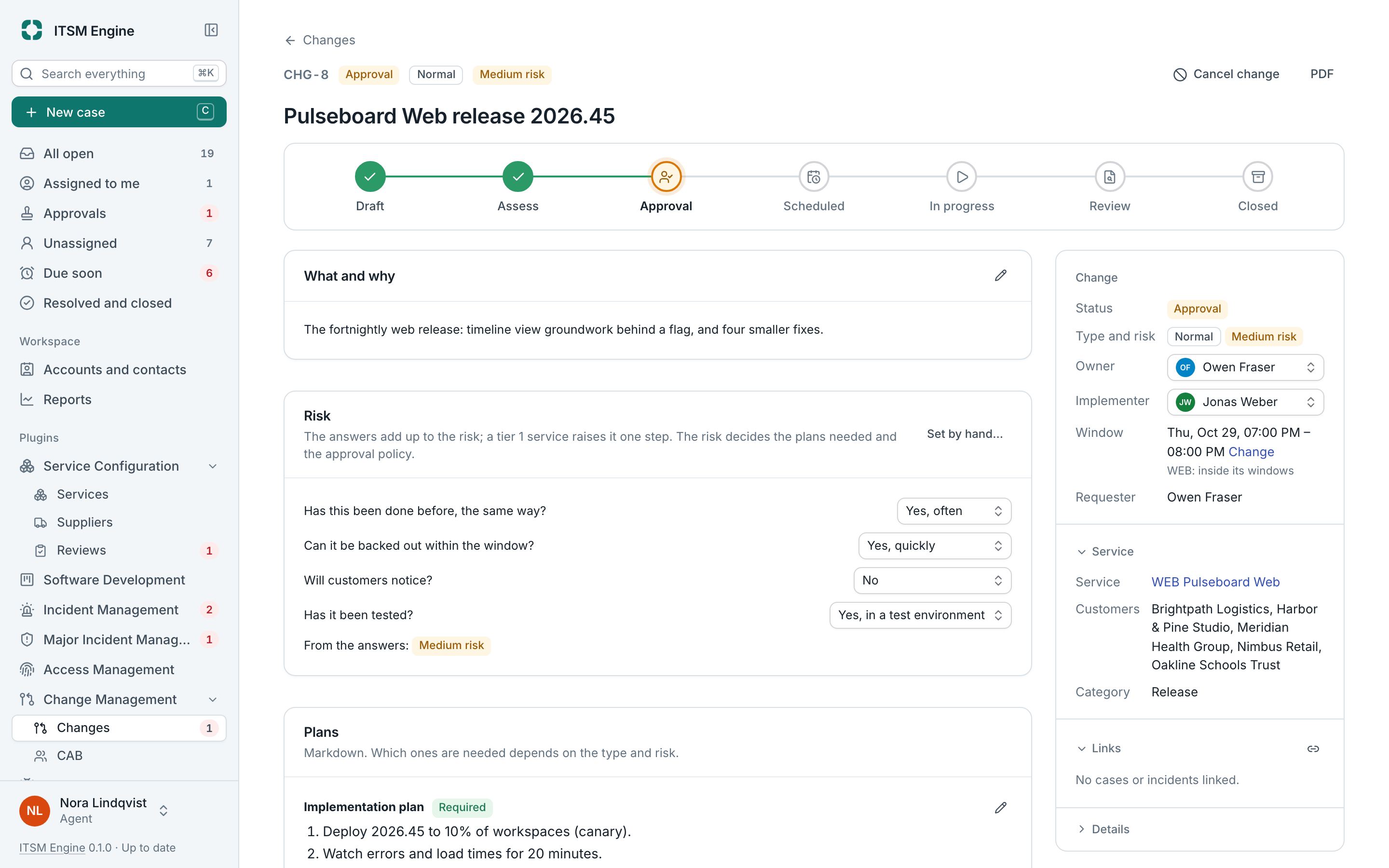
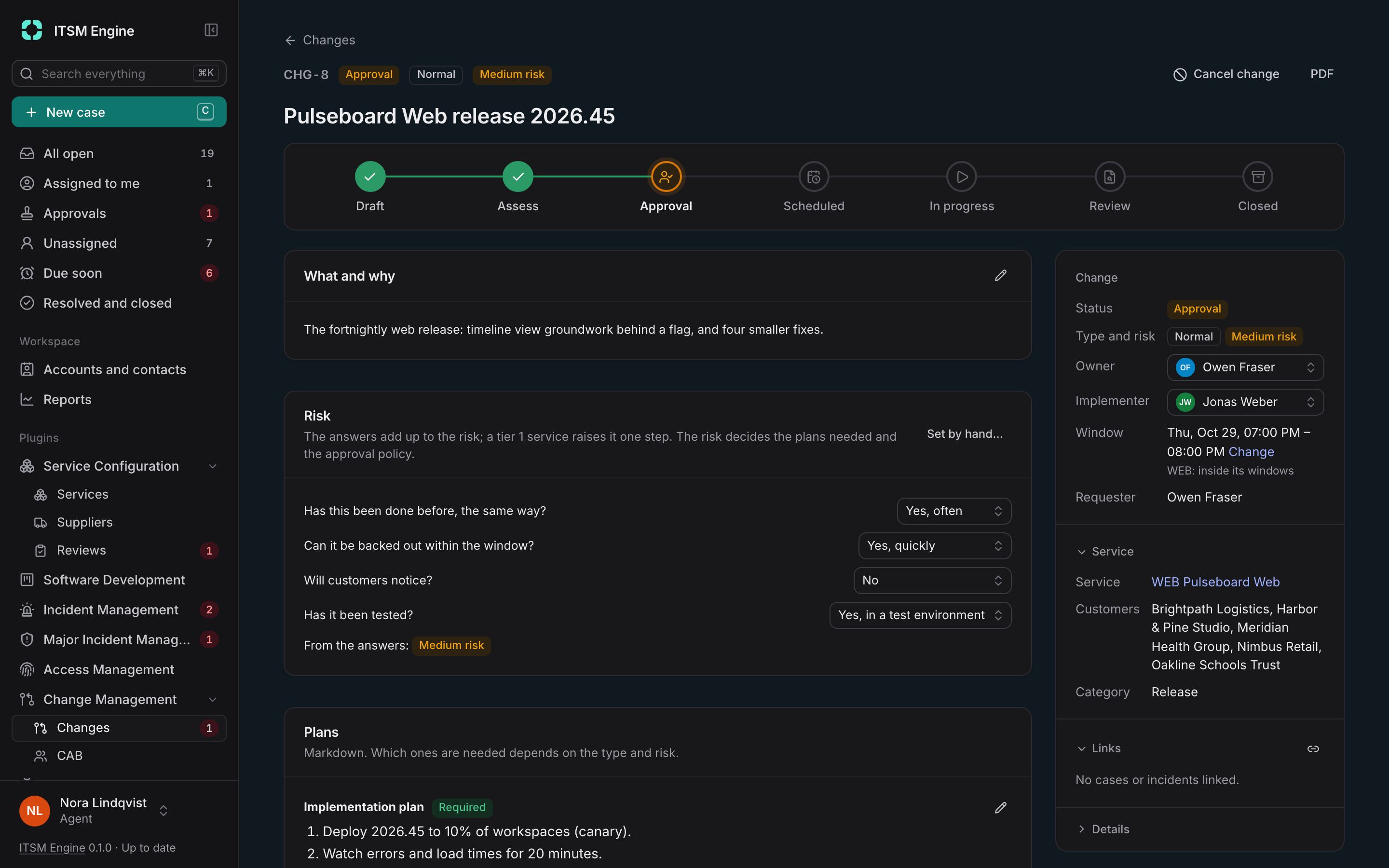
Changes are Normal, approved by policy, Emergency, approved by one person first and reviewed after, or Standard, from an approved template. Risk comes from questions, plans are required by type and risk, and the window is checked against each service’s change windows and freezes.
Send for approval saves a numbered version, and the first approval policy that matches decides the stages: the service owner, the CAB, the customers who use the service, or roles. Editing what was approved asks again.
Customers’ approvers approve on the portal with a code sent by email, and notice contacts get maintenance notices. CAB meetings have an agenda that fills itself, and their minutes lock. Pipelines in GitHub Actions or GitLab CI can ask a gate before they deploy and report the outcome.
Change Management is a plugin, and needs Service Configuration. It is built into the desk and free like everything else: an admin turns it on under Settings → Plugins, and turning it off hides it everywhere and keeps its data.
What it includes
Normal, emergency and standard
Each with its own path through the lifecycle.
Risk questions
Points per answer, with a manual override recorded as an exception.
Approval policies
Conditions and stages, with separation of duties.
Versions with fingerprints
Approvals hold for the version they approved.
Customer approvals
On the portal with a code, plus maintenance notices.
CAB meetings
Agenda, notes, decisions, actions and locked minutes.
Calendar and freezes
Four weeks of changes with the freezes shown.
Deployment gate
An API your pipeline asks before deploying, with examples.