Know how the team is doing, and what customers think
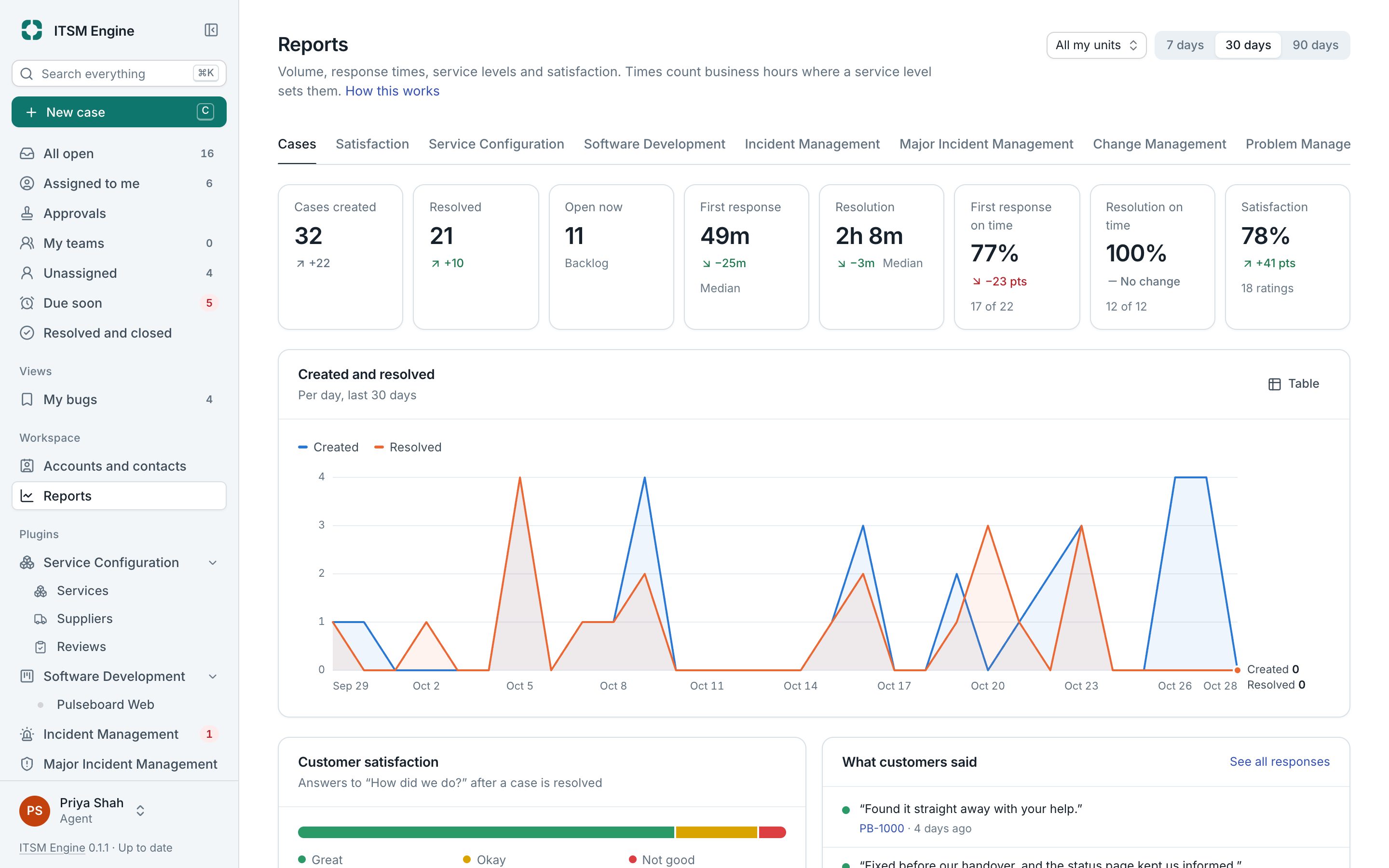
Reports show how the desk is doing over 7, 30 or 90 days, for all your units or one, against the period before. After a case is resolved, the requester is asked how it went.
How it works
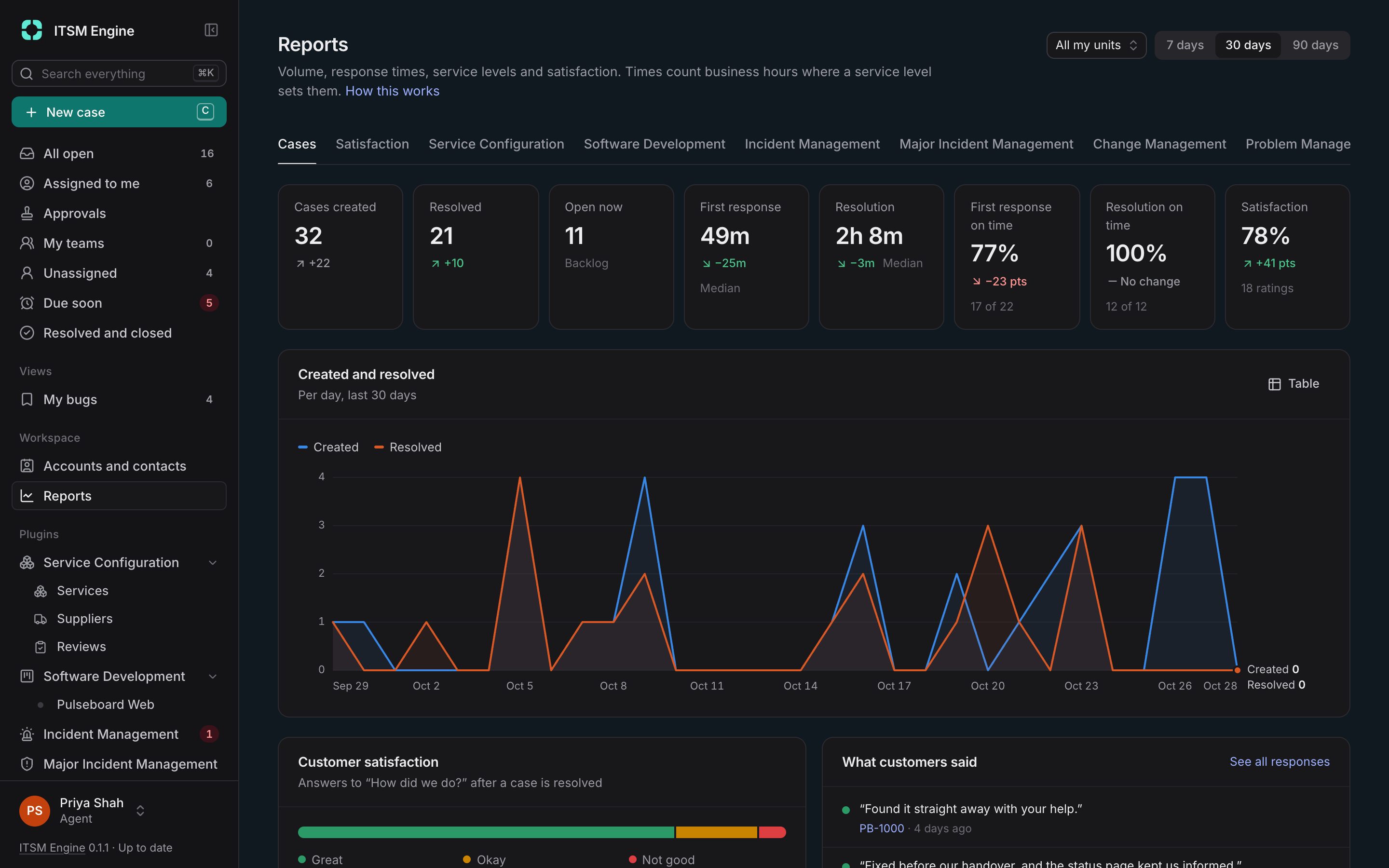
Everyone sees the numbers for the cases they can access. The cards show cases created, resolved and open now, median first response and resolution, how many met their targets and the share of happy customers, each coloured better or worse than before.
Below them are cases created and resolved per day, as a chart or a table, the latest comments, and tables by unit and by person. Each plugin adds a tab of its own: services, incidents, major incidents, problems, changes and developer tasks.
When a case is first resolved, the requester gets an email asking how it went, with Great, Okay and Not good buttons. One click records the answer on a branded page, which can ask up to ten more questions and leave room for a comment.
What it includes
7, 30 or 90 days
Every number against the period before.
Medians and on-time shares
First response and resolution, in business hours when the service level uses them.
By unit and by person
Tables that show where the work is and who carries it.
Plugin tabs
Reports for services, incidents, major incidents, problems, changes and developer tasks.
Satisfaction surveys
Three faces in the email, then up to ten questions as scales, choices or text.
Per unit
Choose which units send which survey, or none.