Know what you deliver, and who answers for it
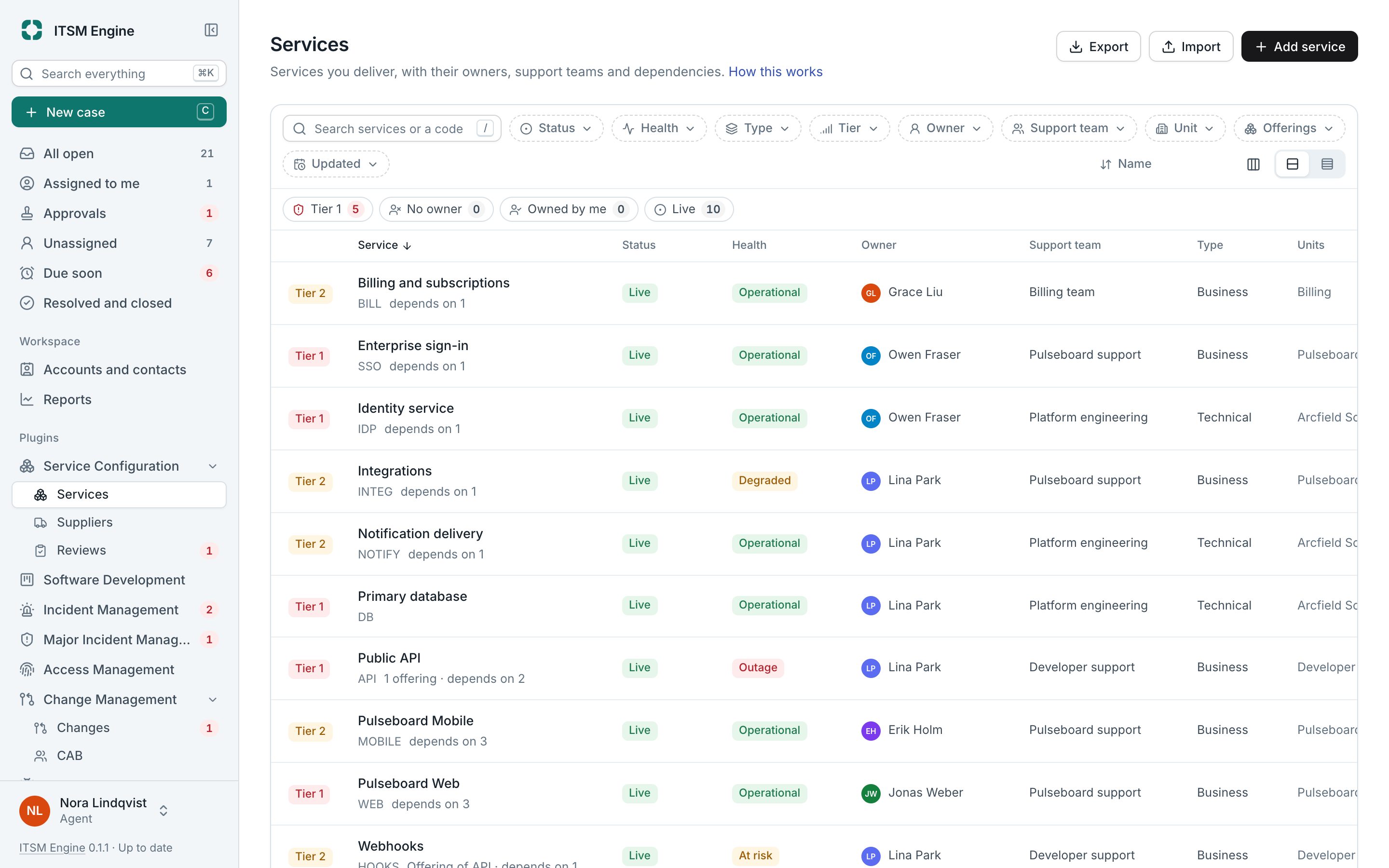
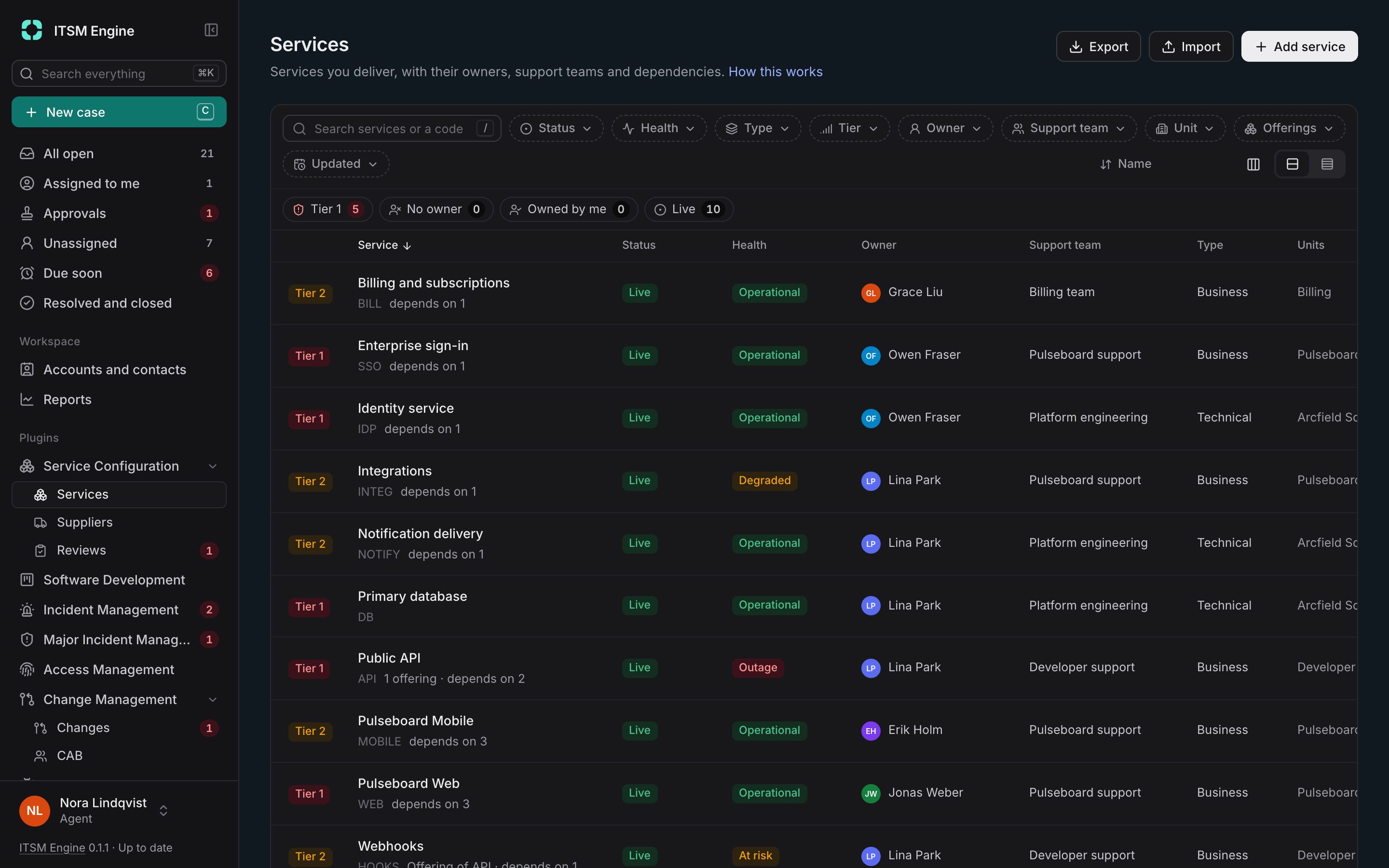
A service is something you deliver that people rely on: the web app, email, payroll. The catalogue records who owns it, who supports it, who uses it and what it depends on.
How it works
Each service has a code, a type, a lifecycle status, a tier, an owner, support and escalation teams, units, service hours and a service level, with offerings one level below. It is deliberately not a full CMDB: it holds what support, incidents and changes need.
Health follows open incidents: a P1 is an outage, a P2 or P3 makes it degraded, and maintenance is set by hand or during a change. Through dependencies, a problem below shows as At risk above. Owners can also set the status by hand for an hour up to a week.
Cases, forms, automations, incidents, problems and changes point at services. Accounts are attached to the services they use, with change approvers and notice contacts. Owners confirm their record every year, suppliers are registered with their assurance reports, and signed-in contacts see their services on the portal.
Service Configuration is a plugin. It is built into the desk and free like everything else: an admin turns it on under Settings → Plugins, and turning it off hides it everywhere and keeps its data.
What it includes
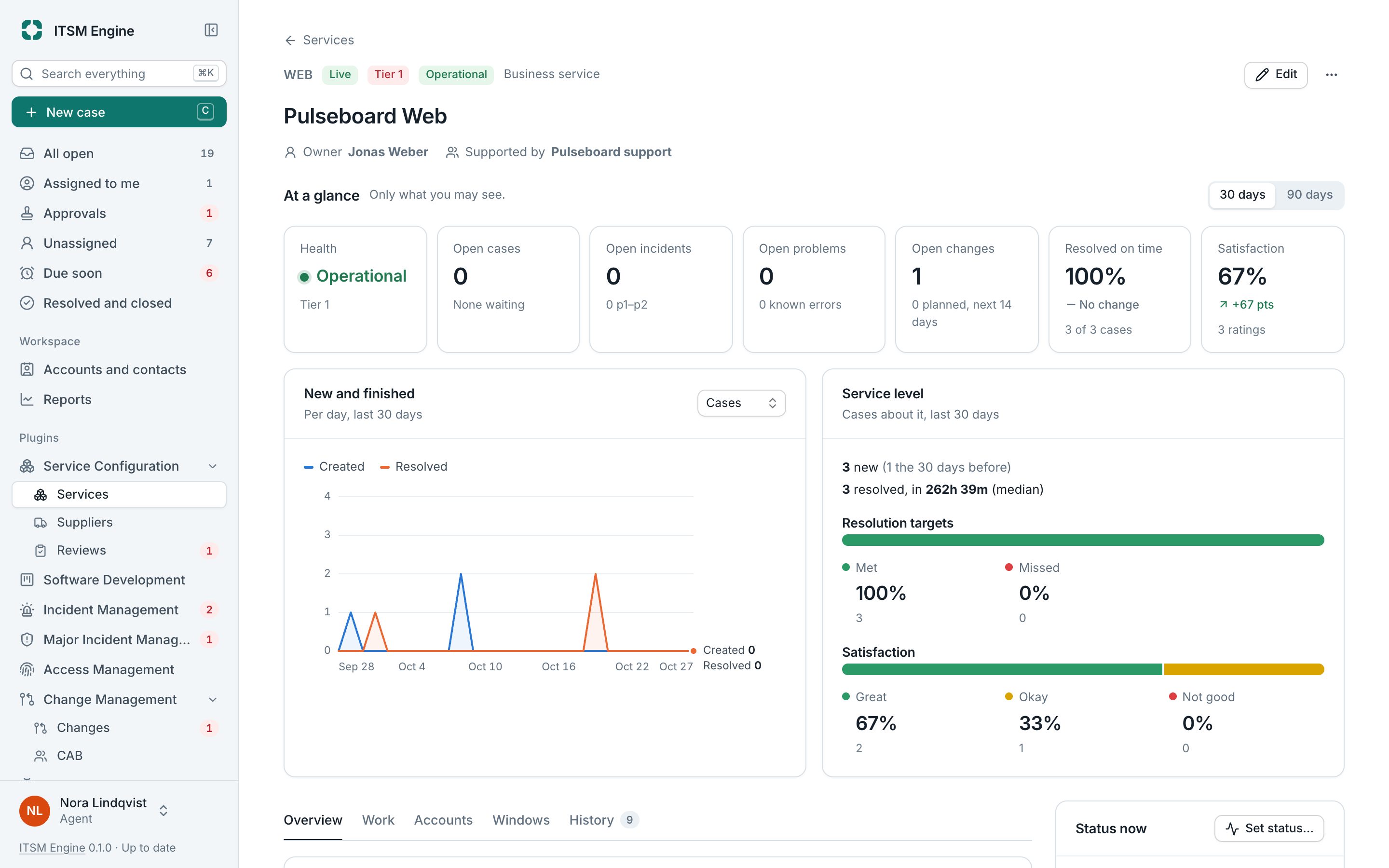
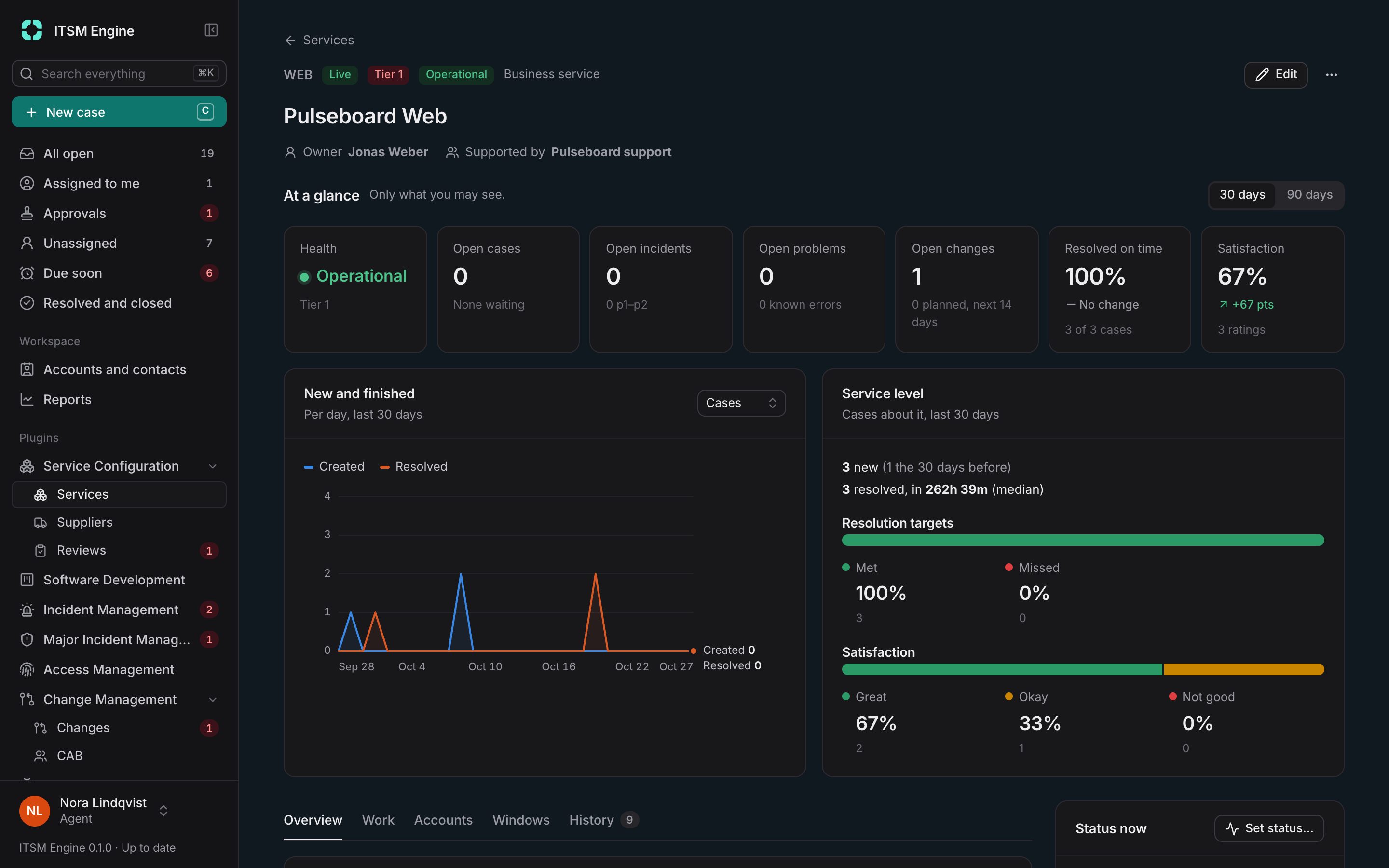
Service pages
Health, open cases, incidents, problems and changes, resolved on time and satisfaction, over 30 or 90 days.
Offerings and dependencies
With At risk carried up the chain, and a status history nobody can edit.
Change windows and freezes
Per service, checked when a change is planned.
Accounts using a service
With approvers and notice contacts for changes.
Suppliers
A register with assurance reports, and a CSV export.
Owner reviews
Yearly or half-yearly confirmation, with reminders.
On cases and forms
A service field on forms, a service filter in the inbox and automations by service.
Your services on the portal
Contacts see the services their account uses.