Business units decide who sees what
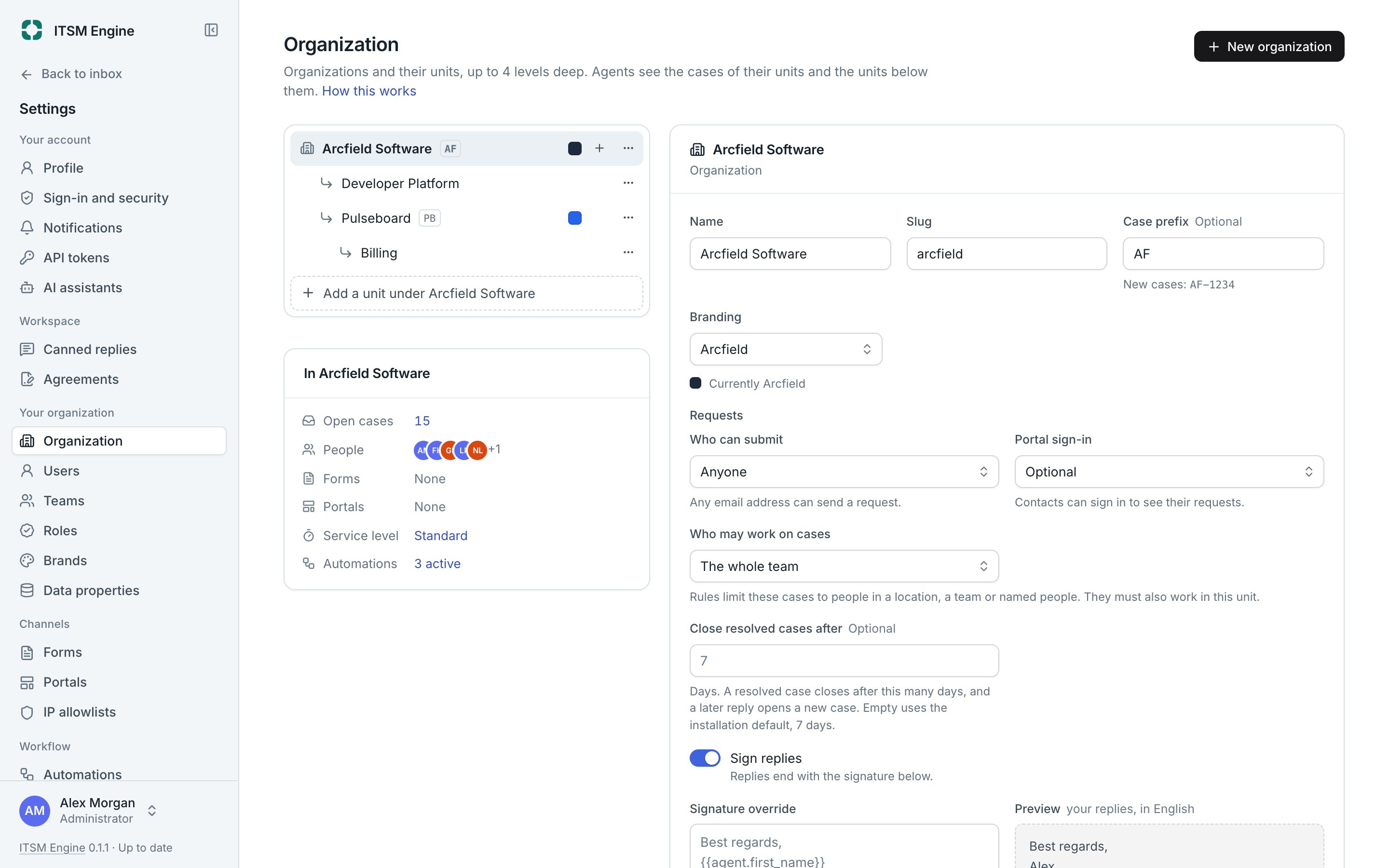
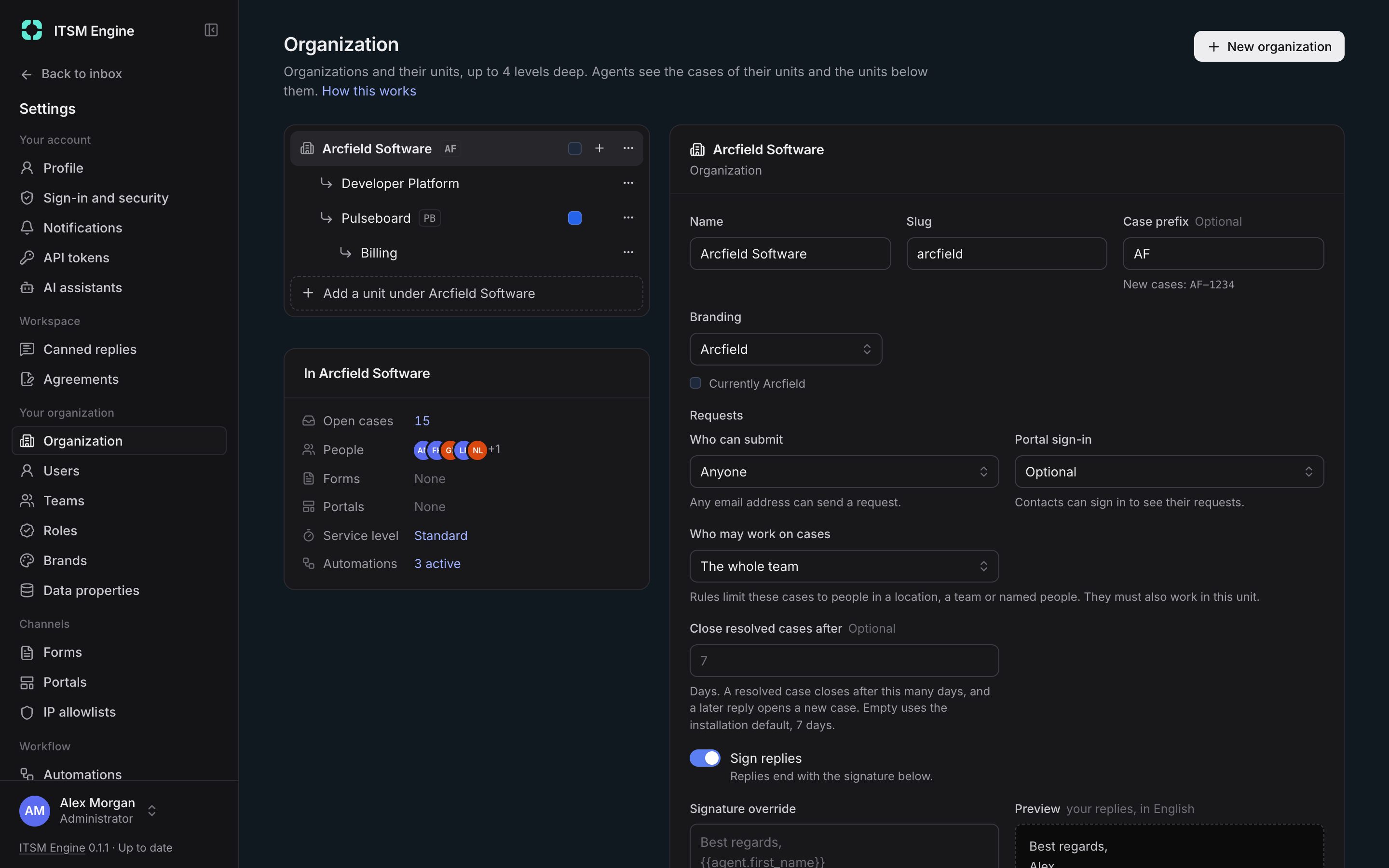
An installation holds organizations, each a tree of units: brands, departments or teams. Every case, form and portal belongs to one unit. Agents see their units and everything below them, and nothing else.
How it works
Admins build the tree under Settings, up to ten levels deep, with a case prefix per organization such as ABC-1042. Each unit decides its branding, who may submit requests, portal sign-in, who may work on its cases and when resolved cases close.
One access scope on the server applies to every list, search, count, report and export, and to API tokens and AI assistants too. Restricted access narrows a unit’s or an account’s cases further, to staff in certain countries, teams or named people, admins included.
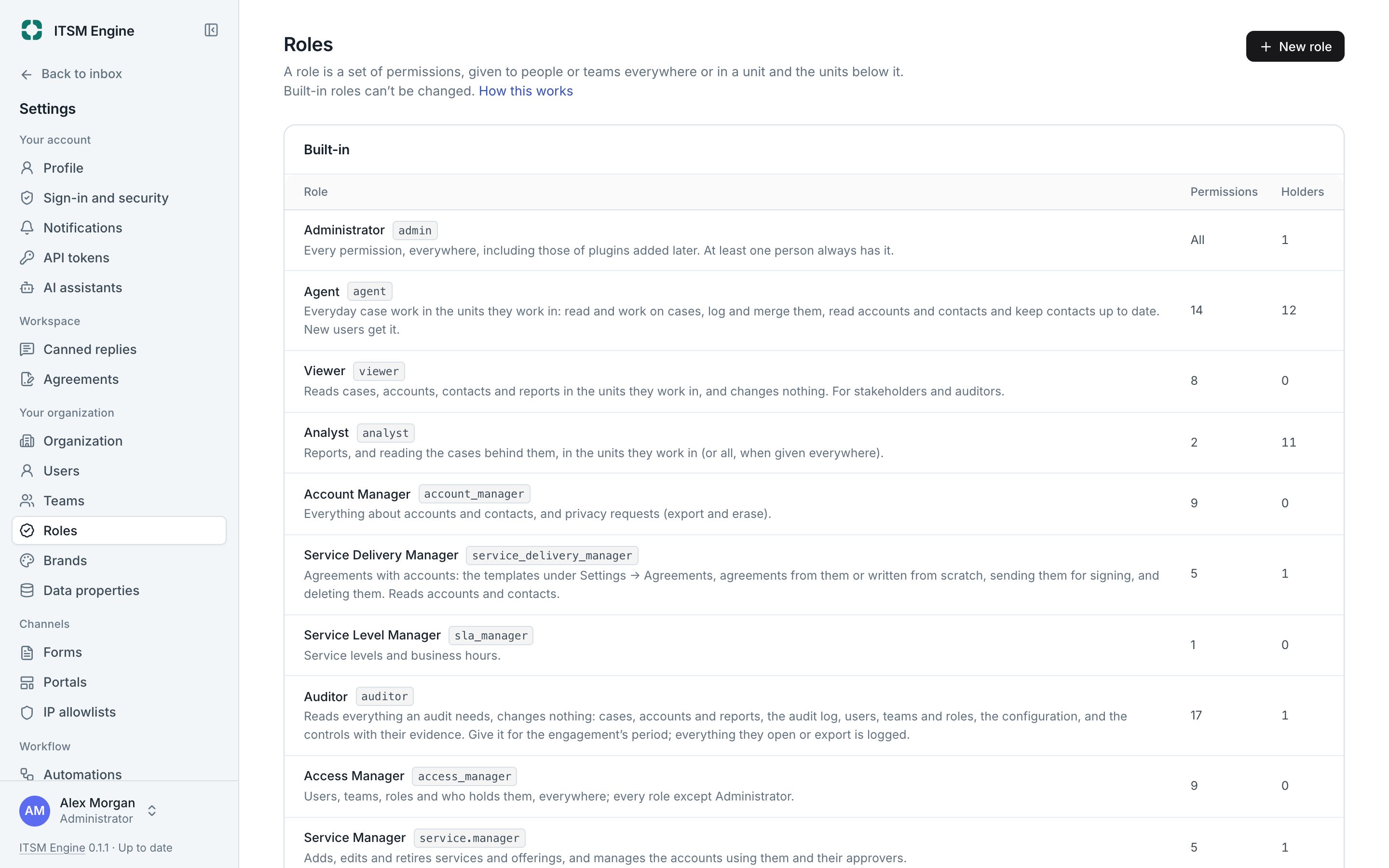
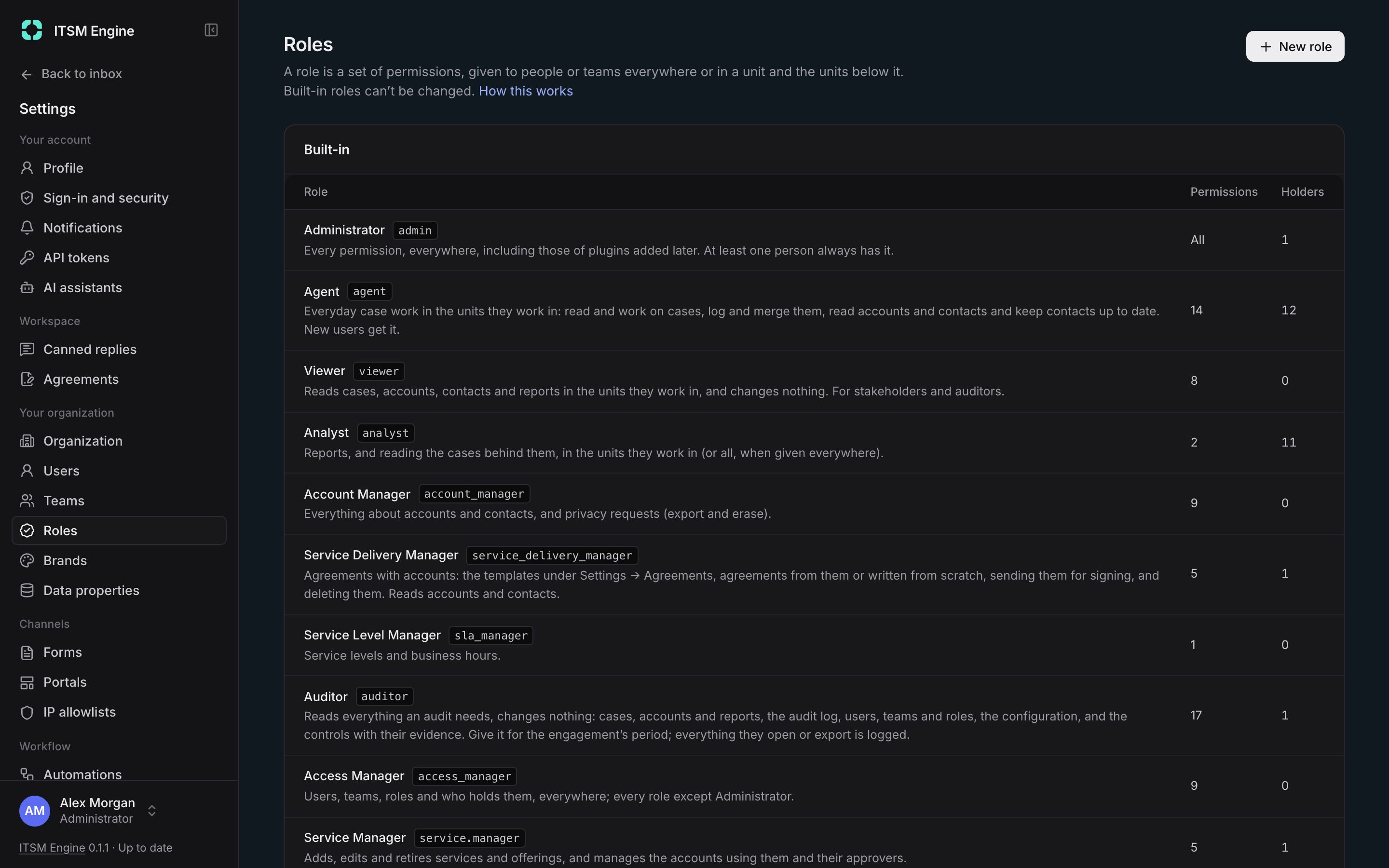
Roles decide what people may do, held everywhere or in one unit and below. Built-in roles cover whole areas, custom roles pick their own permissions, and any role can be given until a date. Teams give a group the same units and roles, and a queue of its own.
People sign in with a password and two-factor, using an authenticator app or a passkey, or without a password using a passkey alone. Admins must use two-factor by default.
What it includes
Organizations and units
Several organizations that share nothing, each a tree of units with its own case numbers.
One access scope
The same rule on the server for every list, search, count, export, token and assistant.
Restricted access
By country, team or person, on units and on accounts.
Built-in roles
Administrator, Agent, Viewer, Analyst, Account Manager, Service Level Manager, Auditor, Access Manager and more, with plugins adding their own.
Custom roles
Pick permissions, and choose who may give which role.
Roles for a period
An end date on any role, removed automatically.
Teams and queues
Members, units, roles and a My teams view, with round robin or least busy assignment.
Two-factor and passkeys
Authenticator apps, synced passkeys or security keys, and passwordless sign-in.