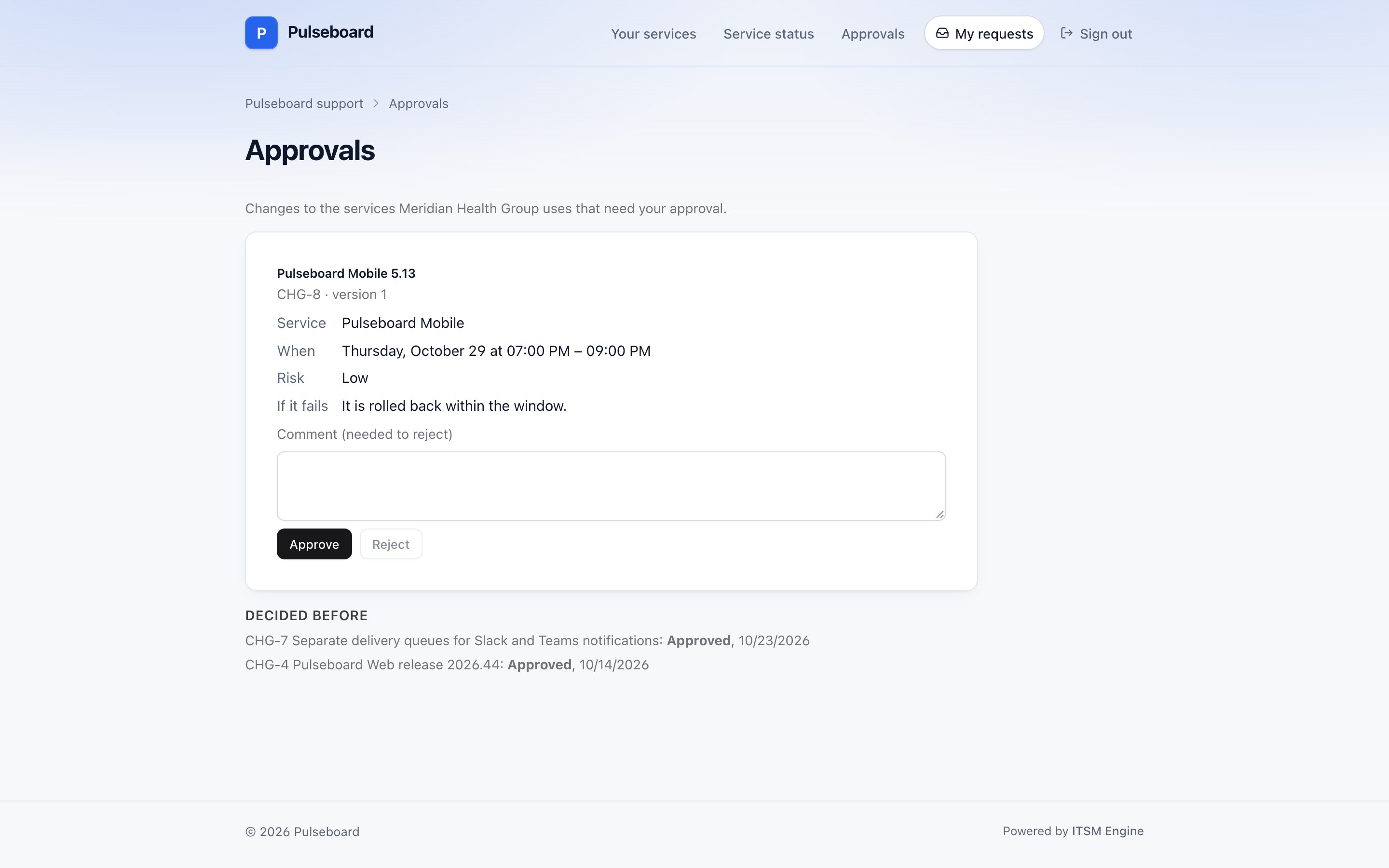
Everything that waits for a yes, in one list
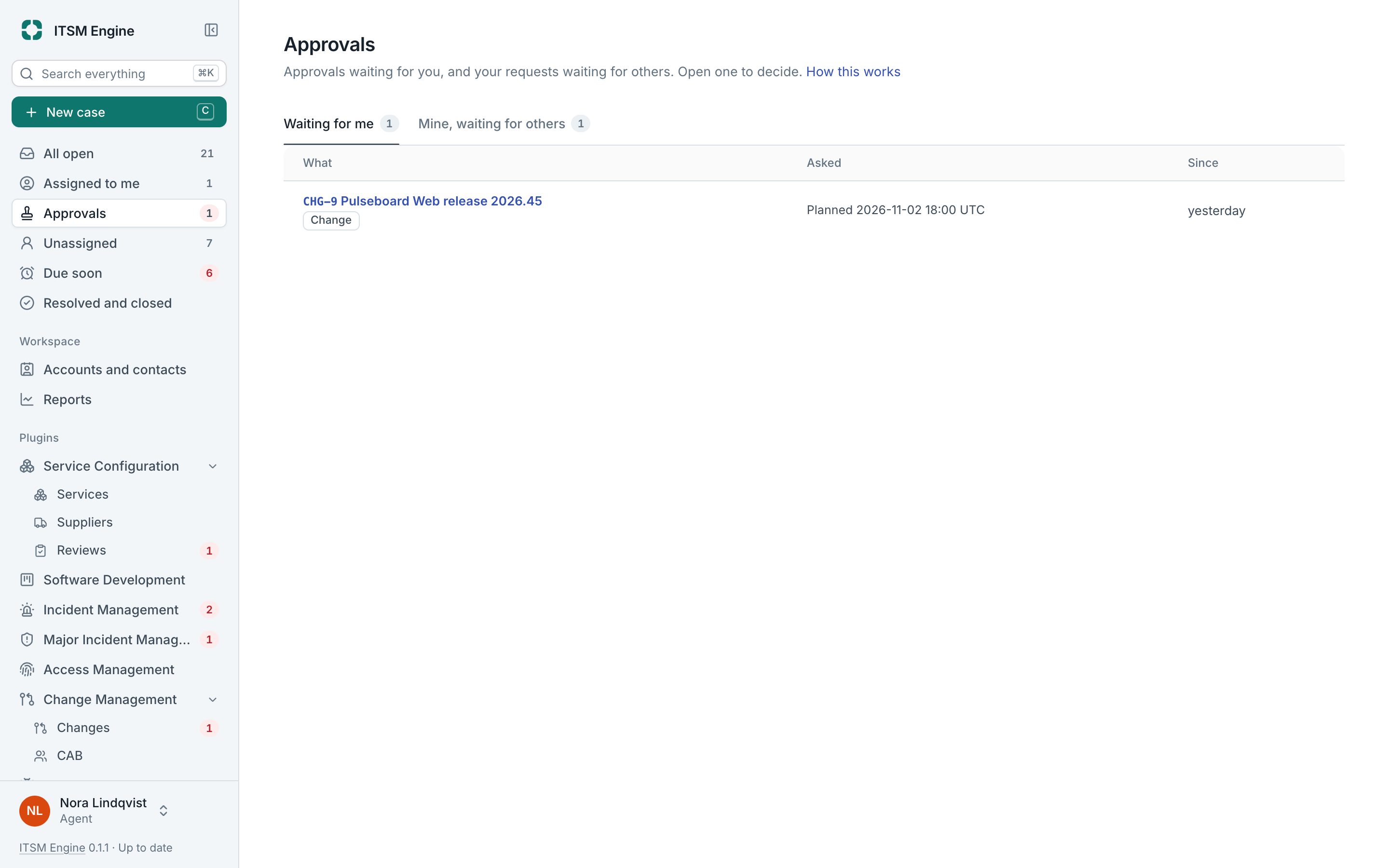
The Approvals page gathers the case approvals your process controls ask for and the change approvals from Change Management. Its count in the sidebar is how many wait for you.
How it works
Waiting for me lists what you may decide now: changes whose current stage asks you, and case approvals for people who may approve cases. Mine, waiting for others lists your own requests and who they wait on.
You decide on the record itself, with the request in front of you. You never approve your own work, and a colleague who approves a case may be neither its assignee nor the one who asked.
Customers approve on the portal with a code sent by email; the link alone never approves. The approval holds a fingerprint of the request, so changing the request afterwards voids it and asks again.
What it includes
Two tabs
Waiting for me, and Mine, waiting for others, with what is asked and since when.
Case approvals
From the customer by code, or from a colleague with the Approve cases permission.
Change approvals
Stage by stage from the approval policy, with CAB items decided in the meeting.
Separation of duties
Nobody approves their own work.
Fingerprints
An approval is void when what was approved changes.
Over the API
The same lists for your own tools and AI assistants.