Each account at a glance
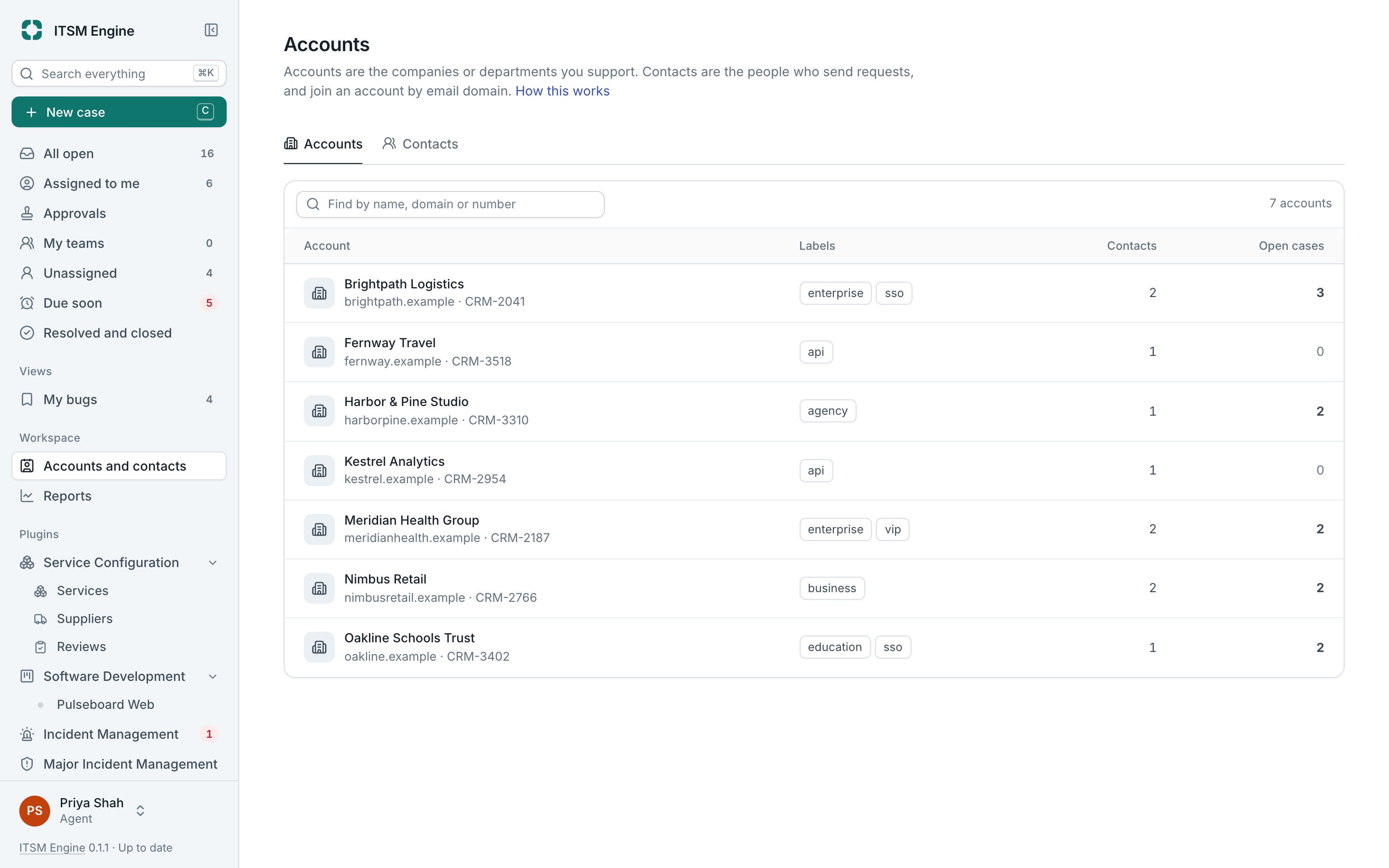
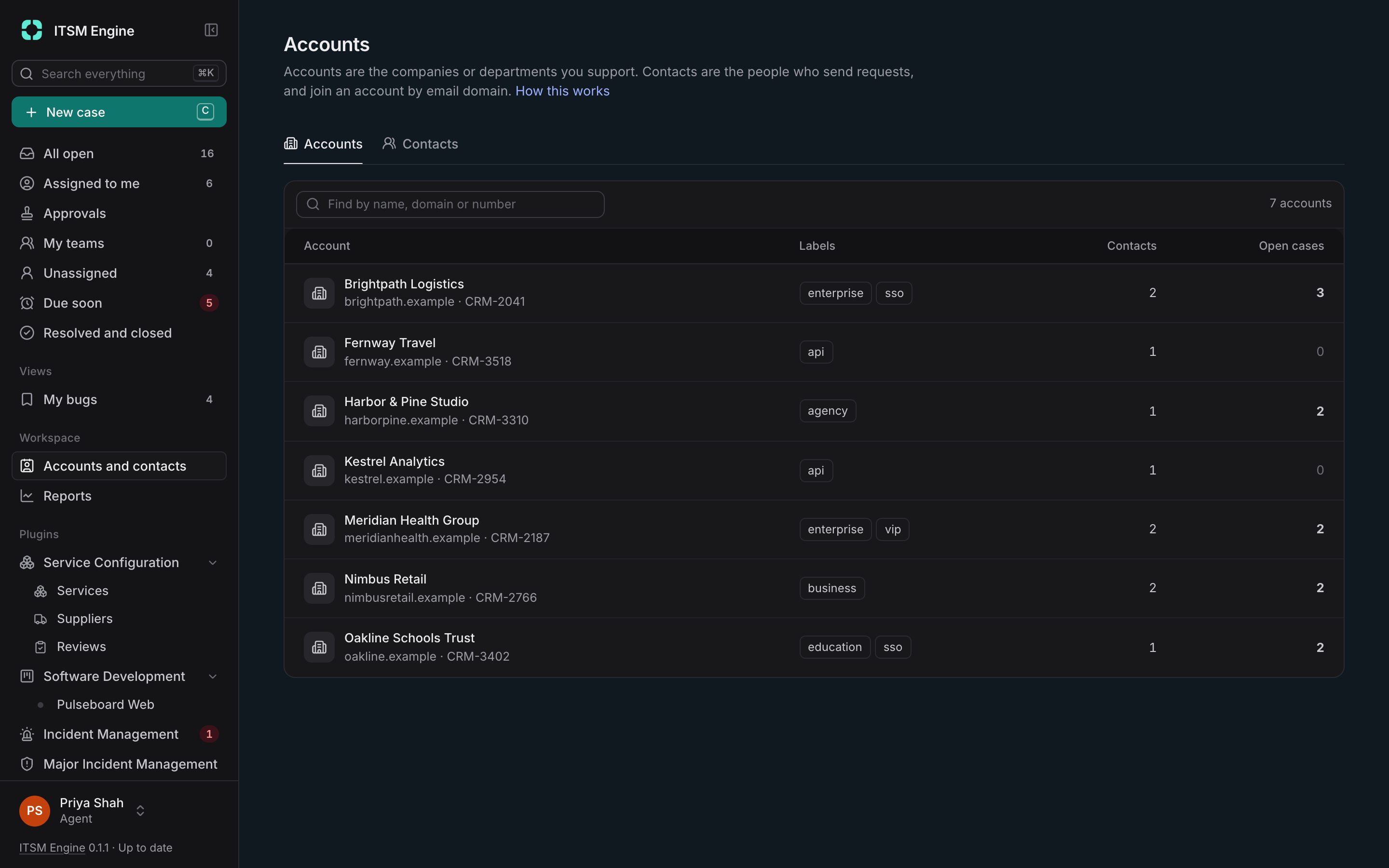
Contacts are the people who send requests. Accounts are the companies or departments they belong to. An account page shows how it is doing, what is open and what has been agreed.
How it works
When someone writes in from a domain that belongs to an account, they join that account. Adding a domain later brings in the earlier contacts too, unless someone placed them by hand. Free-mail domains are never matched.
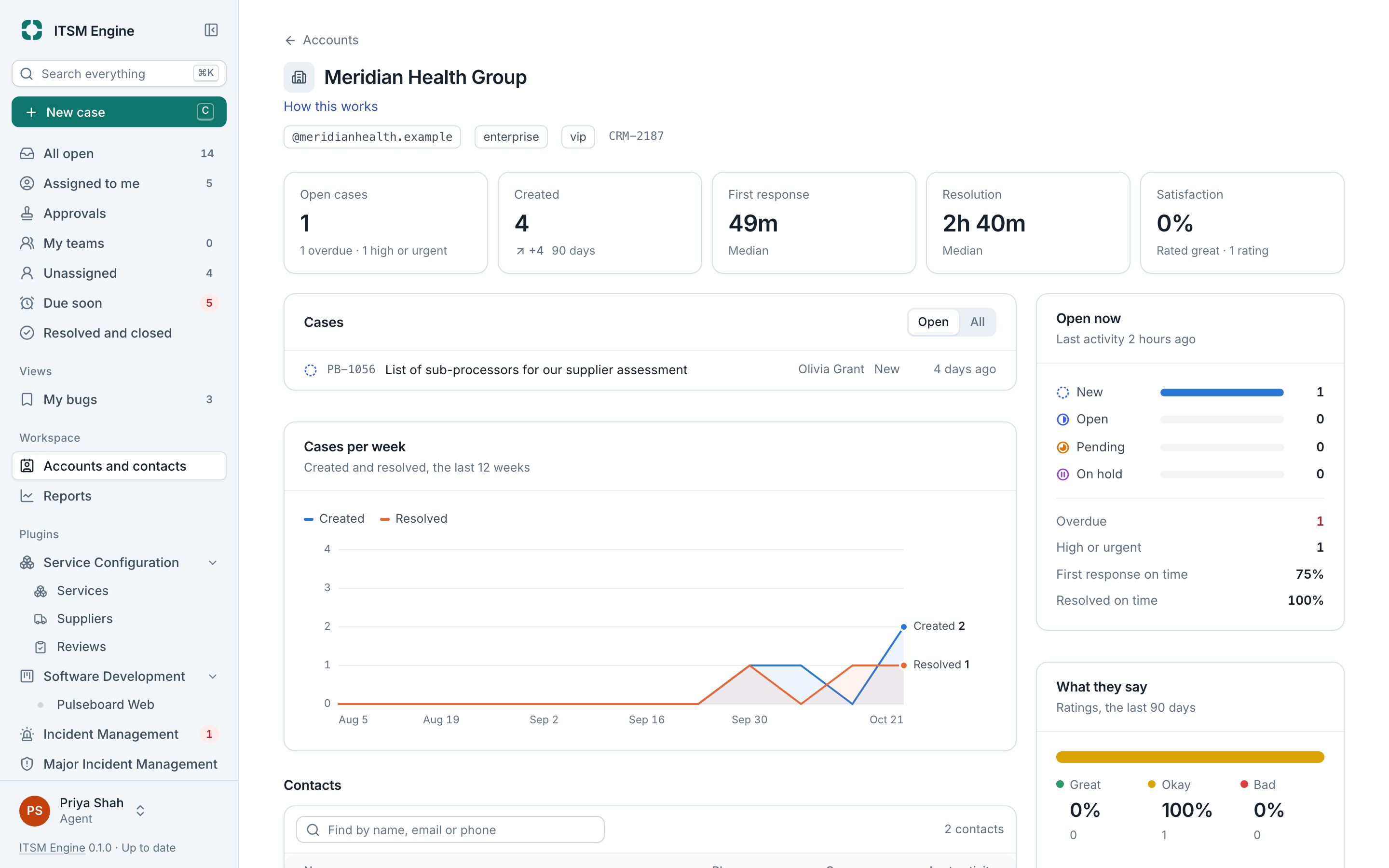
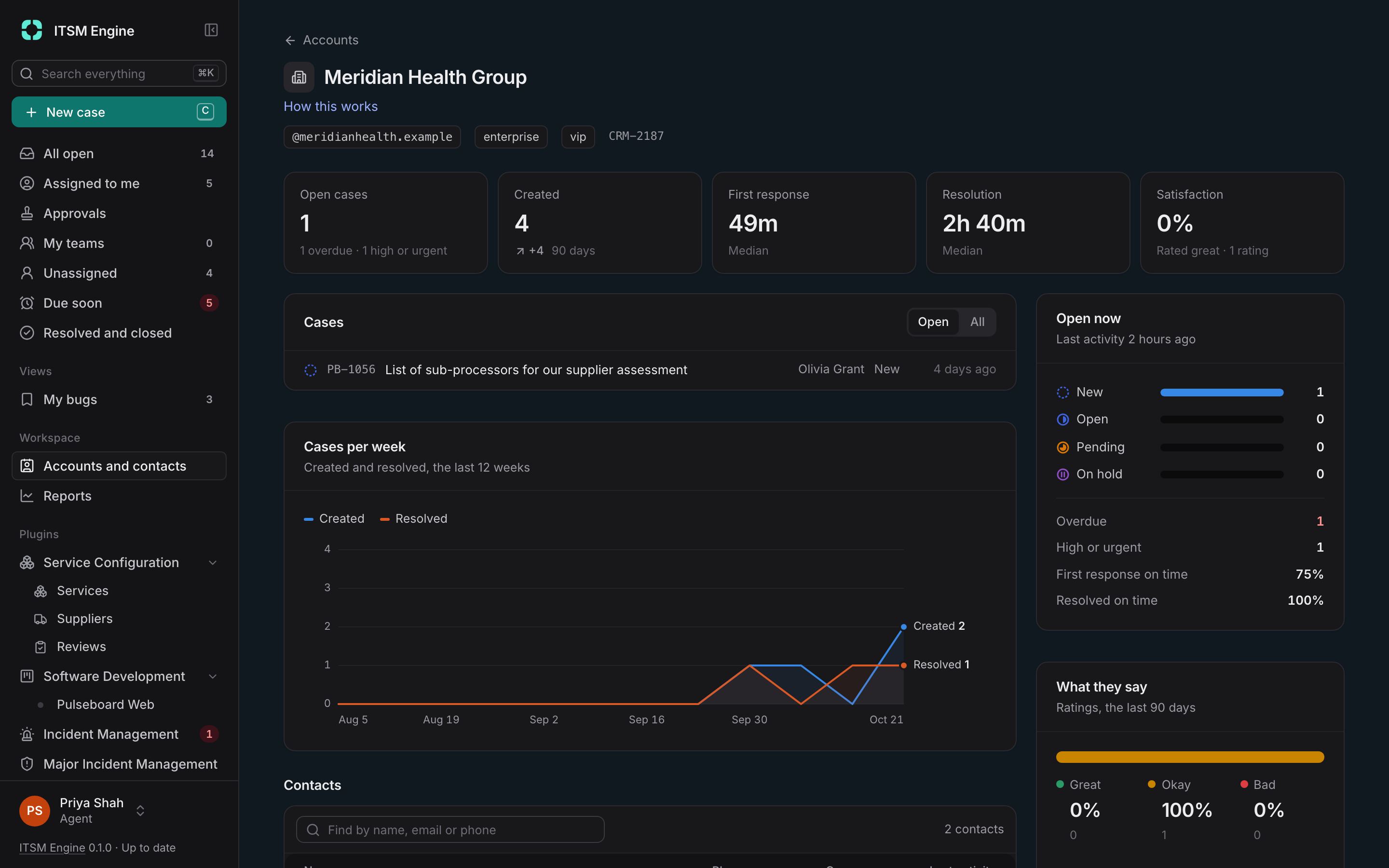
An account page opens with its numbers over 90 days against the 90 days before: open cases and what needs attention, cases created, median first response and resolution, and satisfaction. Below are cases per week, its contacts, its agreements and, with Service Configuration, the services it uses.
Agreements such as a data processing agreement or an NDA come from templates. The desk sends one to a contact, who reads and signs it in the browser. The signed text is frozen with its SHA-256 fingerprint, and agreements signed elsewhere can be recorded with the copy attached.
Data properties are fields of your own on accounts, contacts, cases and incidents. They appear as columns and filters, and automations and process controls can use them.
What it includes
Automatic membership
Contacts join accounts by email domain, and manual placement always wins.
Account numbers
Open cases, created, first response, resolution and satisfaction, each against the period before.
Restricted accounts
Limit an account’s cases to staff working in chosen countries, admins included.
Agreements from templates
Starters for a data processing agreement, an NDA and support from other countries, with fields filled in per account.
Signed in the browser
The contact signs with the text frozen and fingerprinted, and the history shows when it was opened and signed.
Data properties
Text, numbers, dates, dropdowns, people and more, on accounts, contacts, cases and incidents.