Answer it once, for everyone who asks
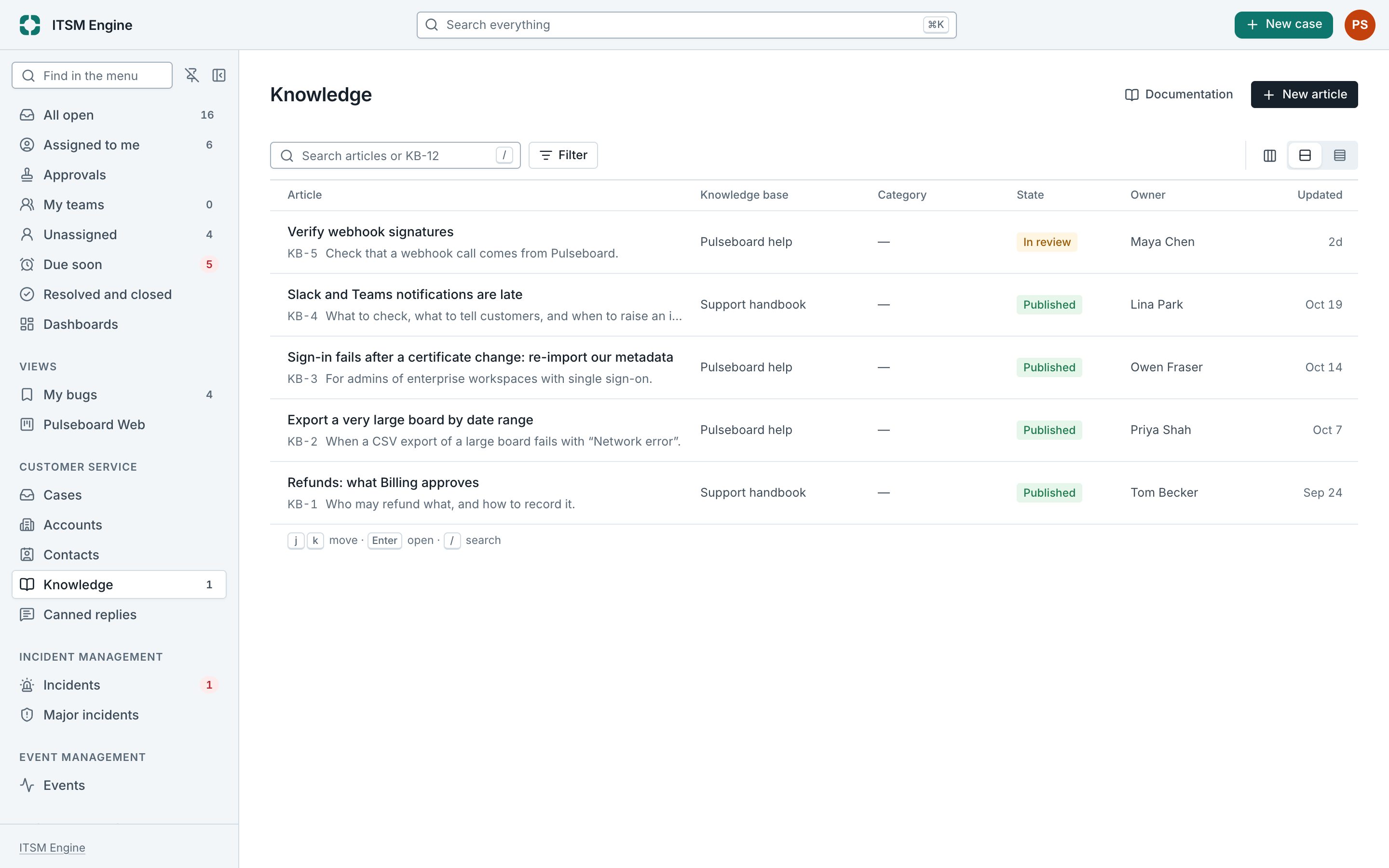
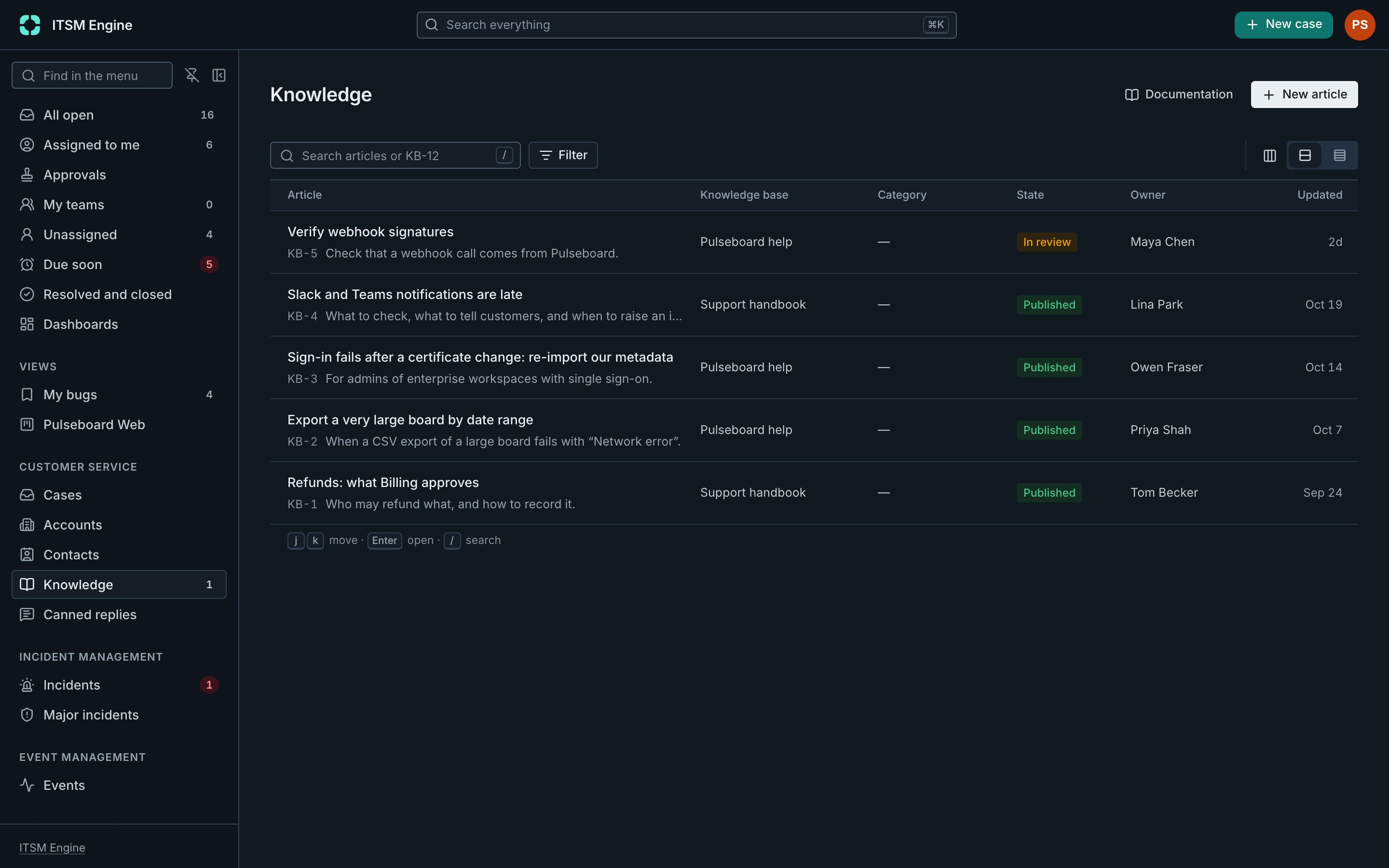
Knowledge bases hold how to fix what comes up again and again, procedures, and answers for customers. Each has one audience: staff, customers on the portals, or only some accounts.
How it works
Articles are written as drafts, reviewed when the knowledge base asks for it, and published in versions, so readers always see a finished article while the next one is written. A reviewer publishes, never the person who wrote it.
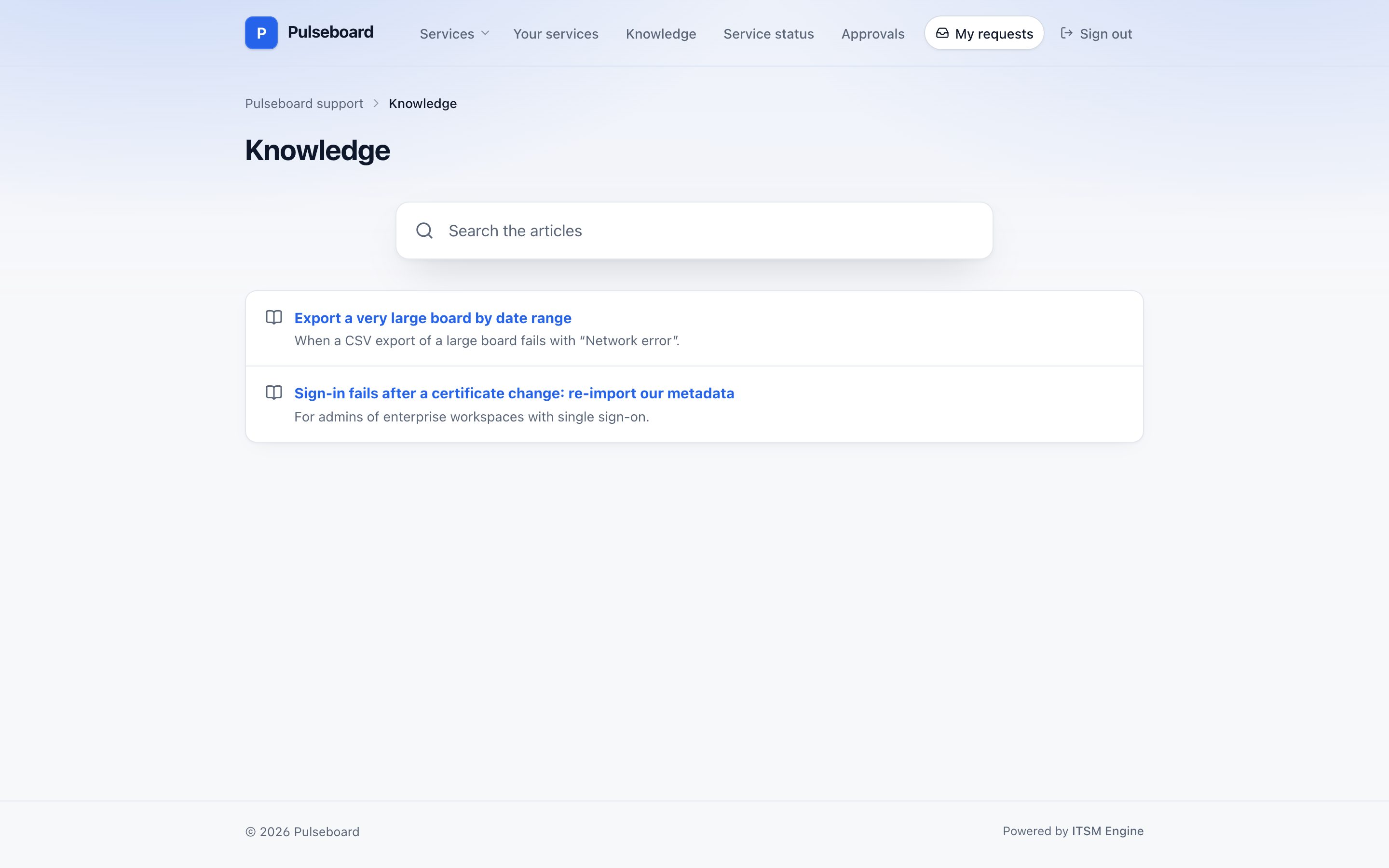
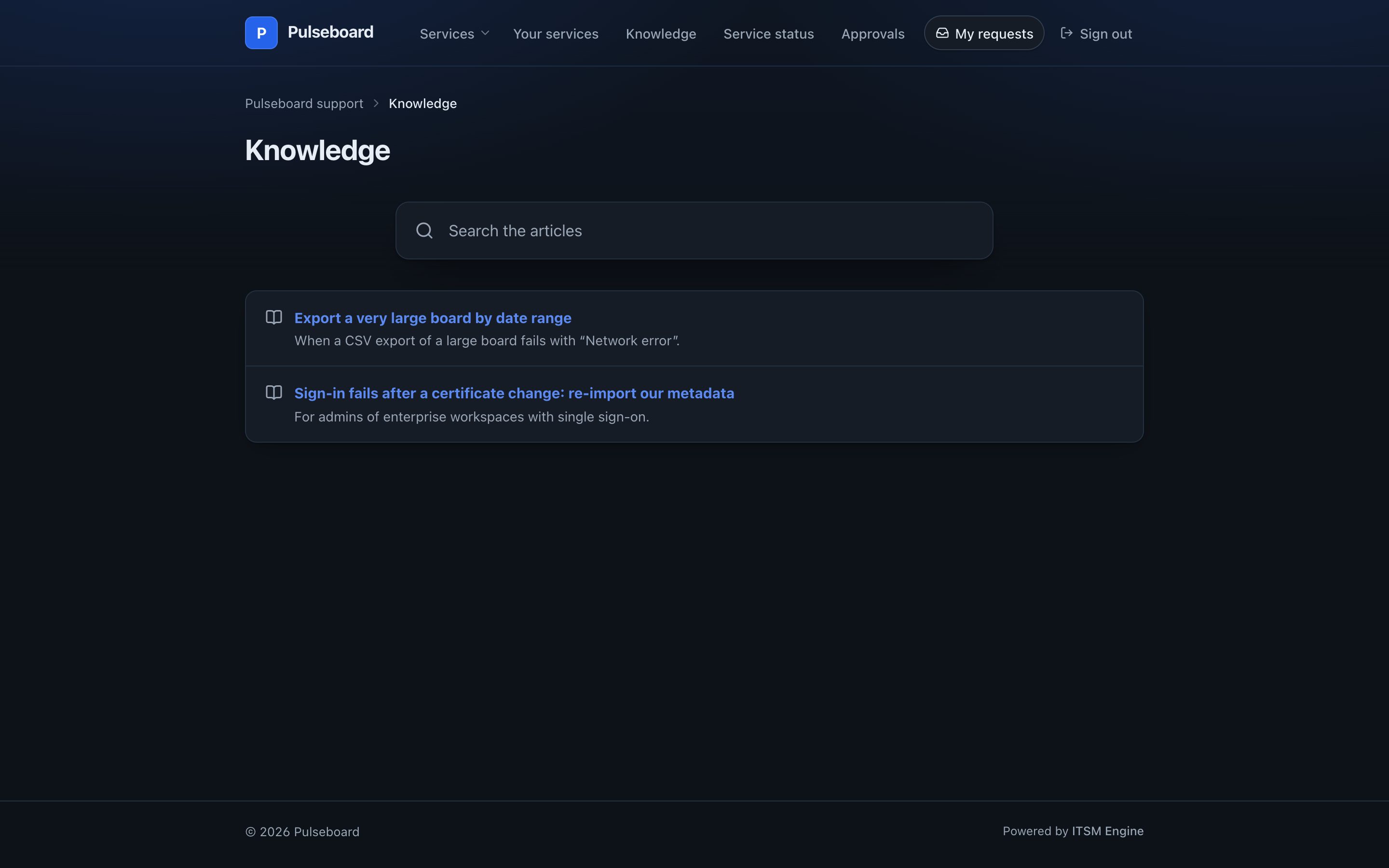
On the portals, a Knowledge page with search, and articles suggested while a customer types a request, with Was this helpful. On cases and incidents, the articles that match, with the link to send.
Write an article from a case or a known error. A Knowledge dashboard shows what is due for review and what readers said, and published versions are audit evidence.
Knowledge Management is a plugin. An admin turns it on under Platform → Plugins, and turning it off hides it everywhere and keeps its data.
What it includes
Three audiences
Staff, customers on chosen portals, or chosen accounts only.
Versions and review
Drafts, reviewers, publishing and retiring.
On the portal
Search, suggestions while typing and Was this helpful.
On cases and incidents
Matching articles, with the link to send.
From cases and known errors
Turn an answer into an article.
A dashboard
Reviews due and what readers said.