Turn on the work areas you need
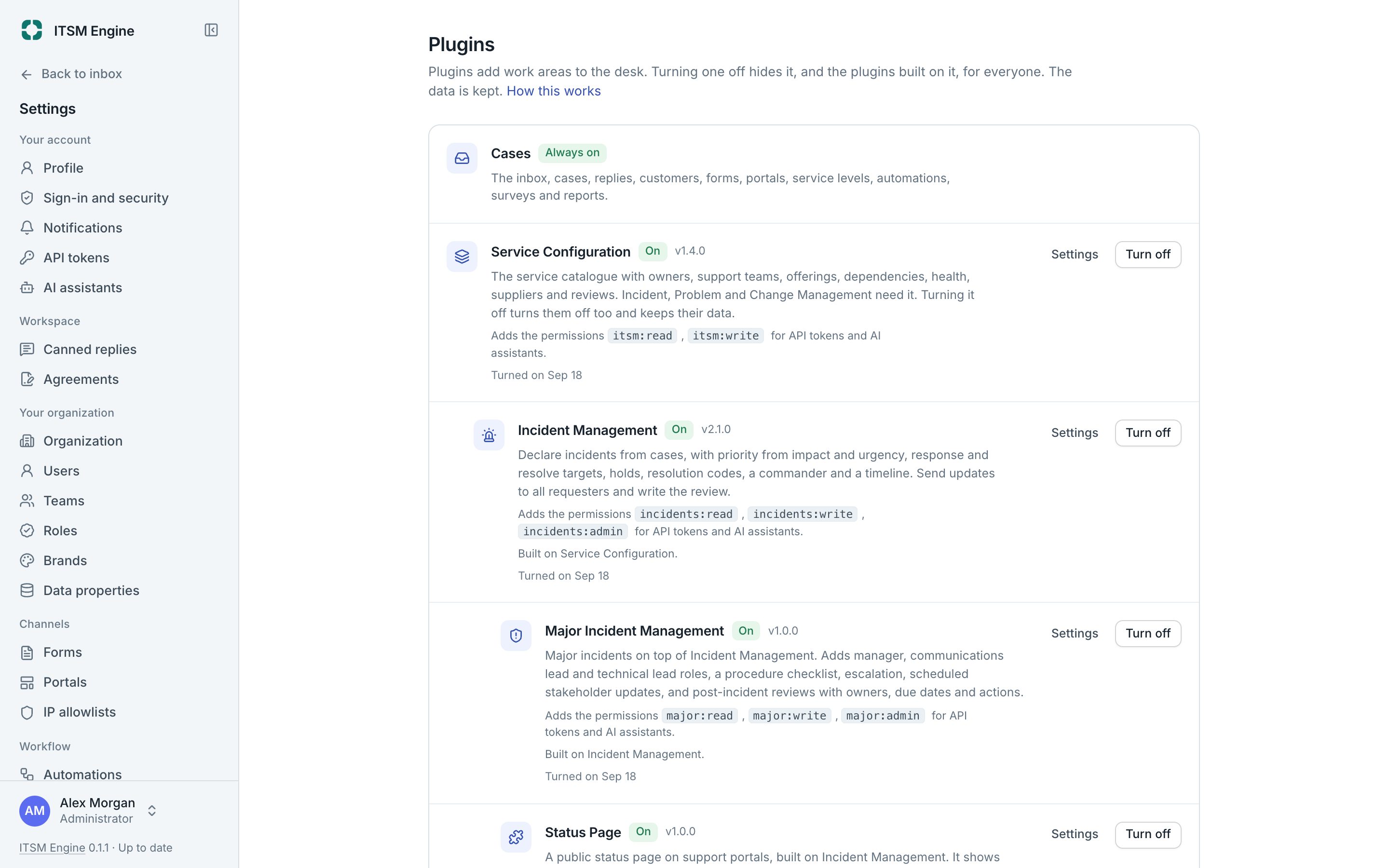
Plugins add work areas not every team needs. They are built into the desk and stay off until an admin turns them on, so a support desk stays simple and an IT department gets the full set.
How it works
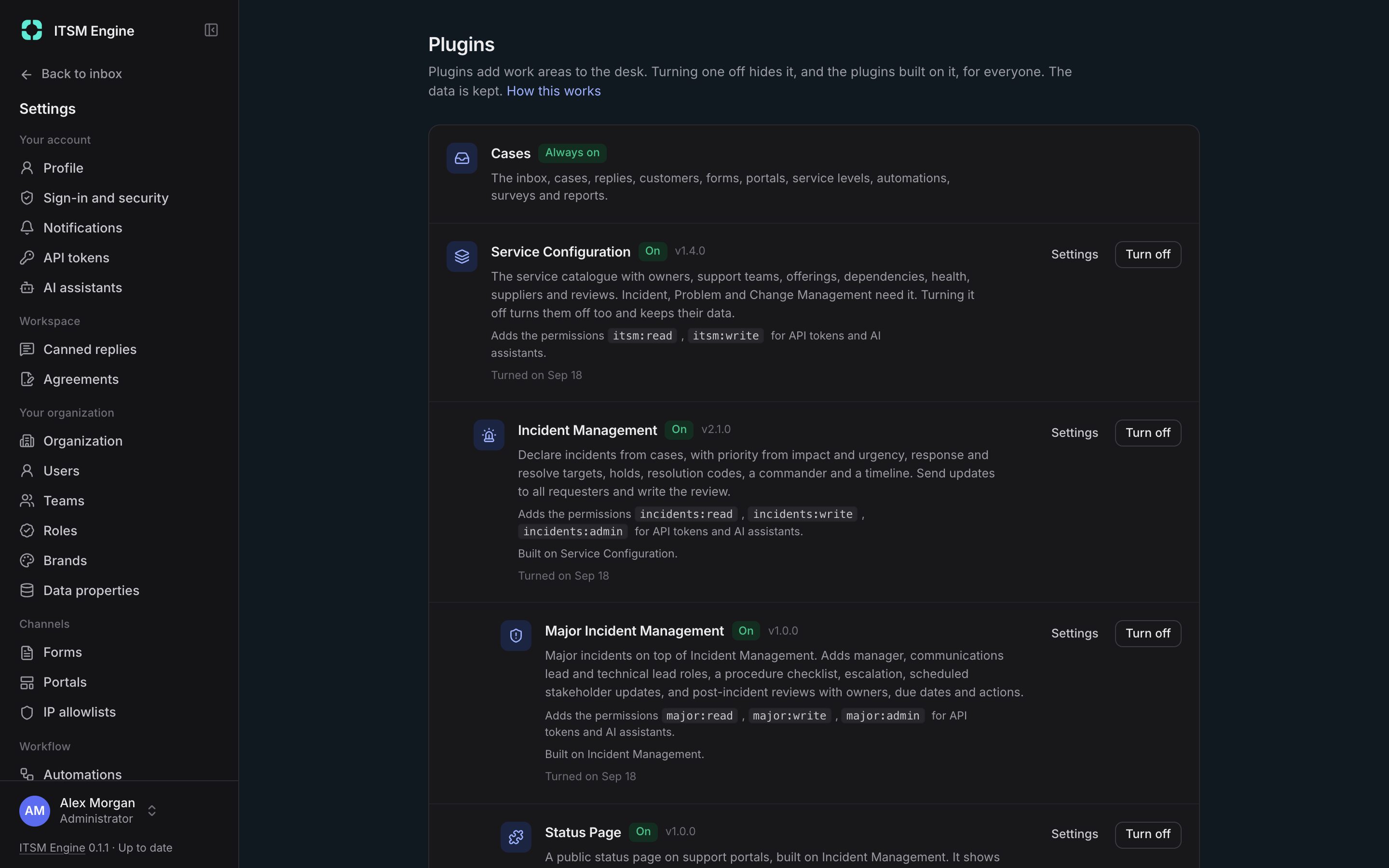
Settings → Plugins lists the plugins in layers, with what each is built on and the permissions it adds. Turning one on also turns on what it needs. Turning one off hides it everywhere and keeps its data.
Each plugin brings its own pages, sidebar items with counts, settings, report tabs, case panels, bulk actions and approvals, with permissions and roles of its own, API endpoints, webhook events and tools for AI assistants.
What it includes
Eight plugins
Services, incidents, major incidents, status page, problems, changes, developer tasks and access management.
On and off
Dependencies go on and off together, and data stays.
Permissions of their own
Each plugin adds permissions and roles you give to the people who need them.
In the API
Every plugin has its own endpoints, token scopes and webhook events.
For assistants too
Plugins that are on add their own MCP tools.