One shared inbox for every request
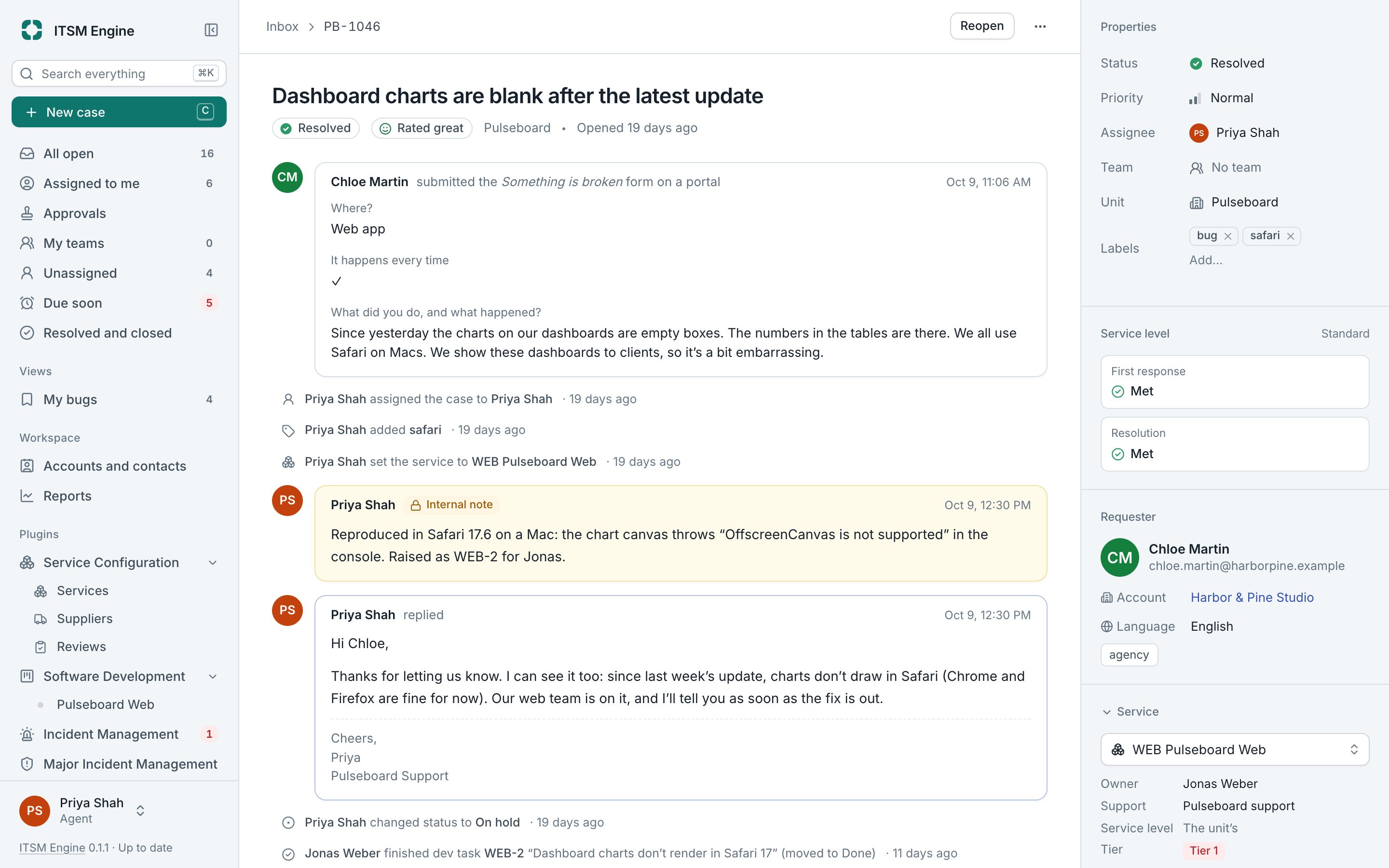
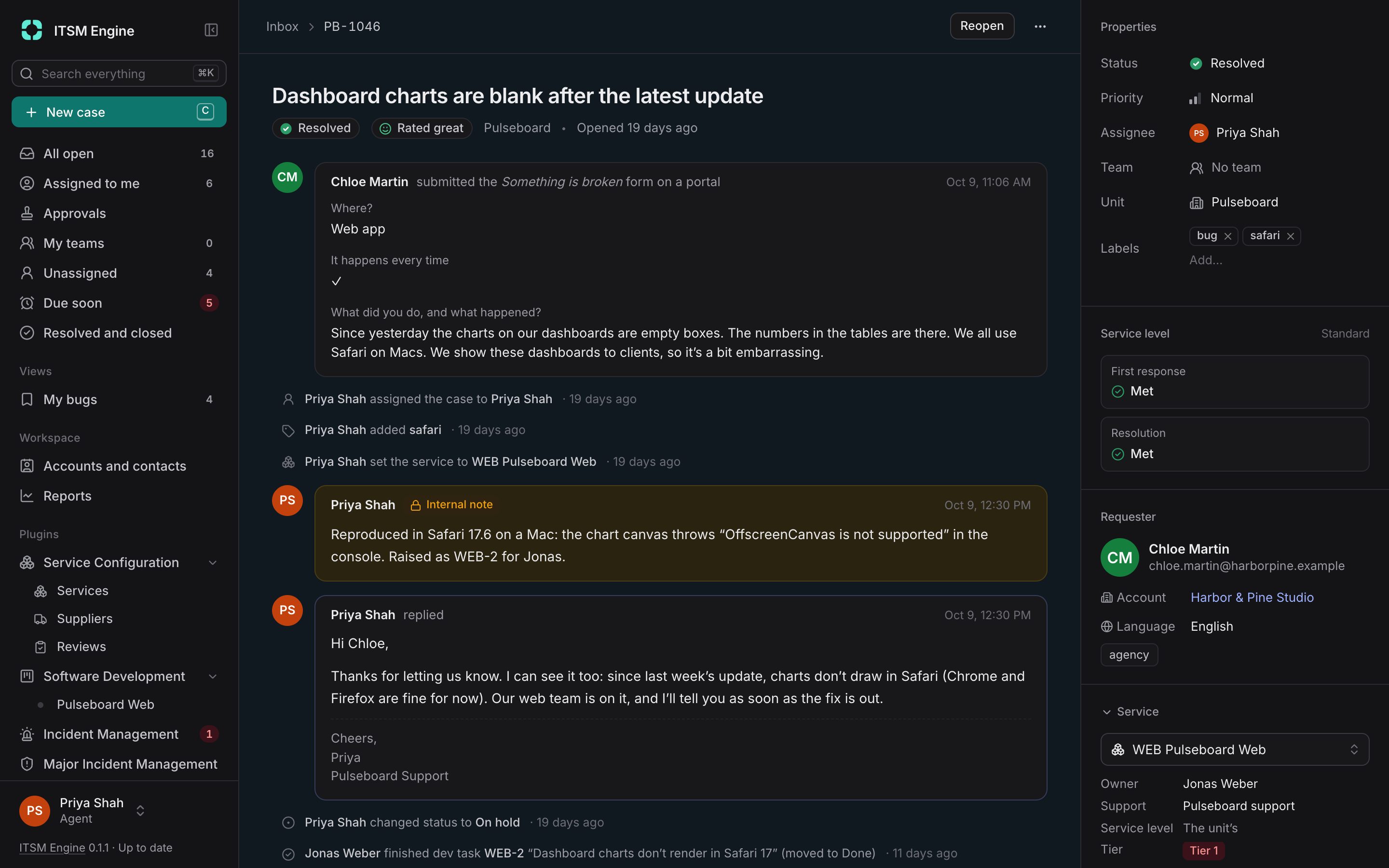
A case is one request from one requester. The inbox lists the cases in the units you have access to, and the case page keeps the conversation, the internal notes and every detail in one place.
How it works
Cases arrive from forms, portals, replies to the desk’s emails, the API and AI assistants, or an agent logs one with New case for a phone call or a walk-in. Each case lands in a unit, and the unit decides its brand, its automations and its service level.
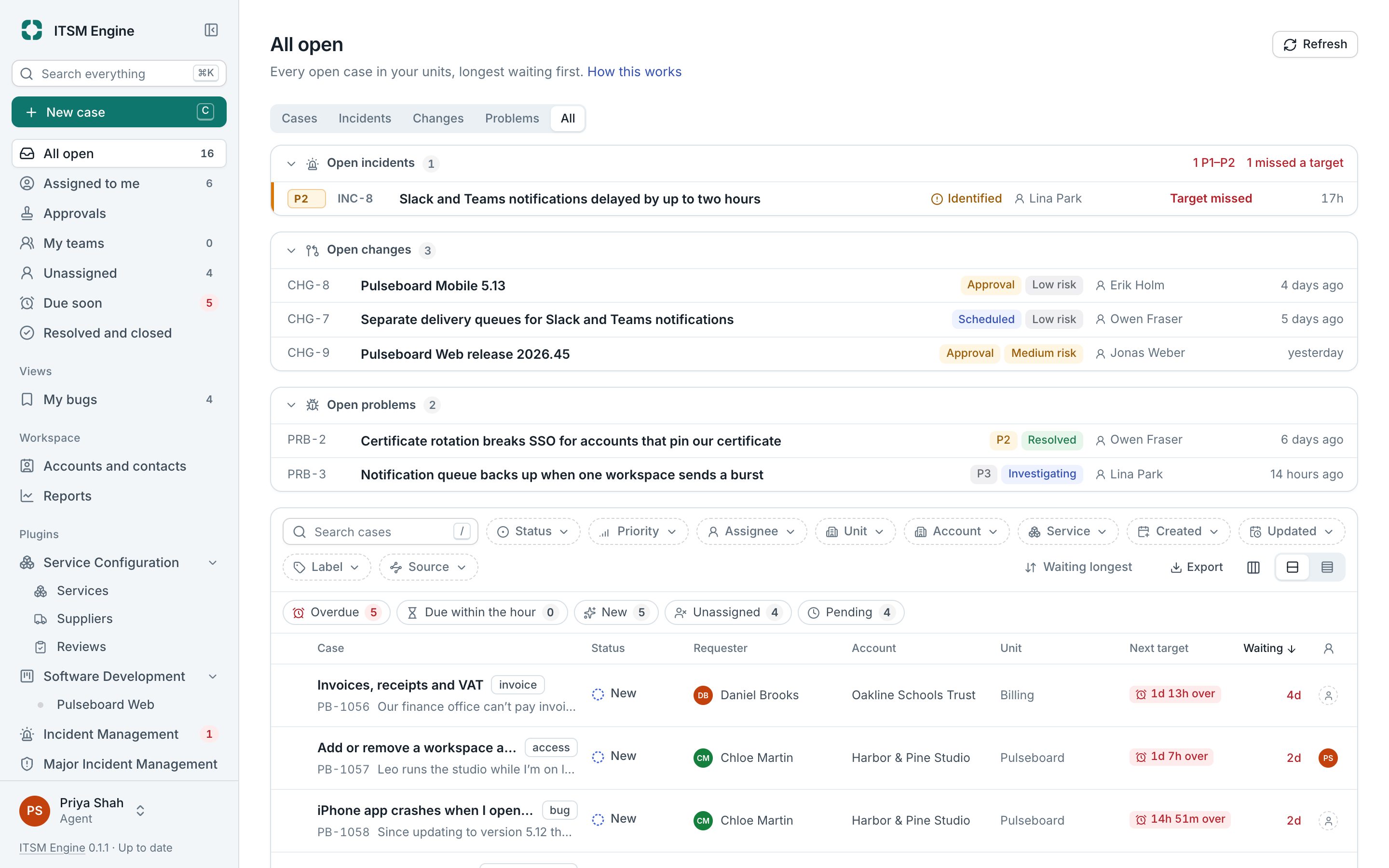
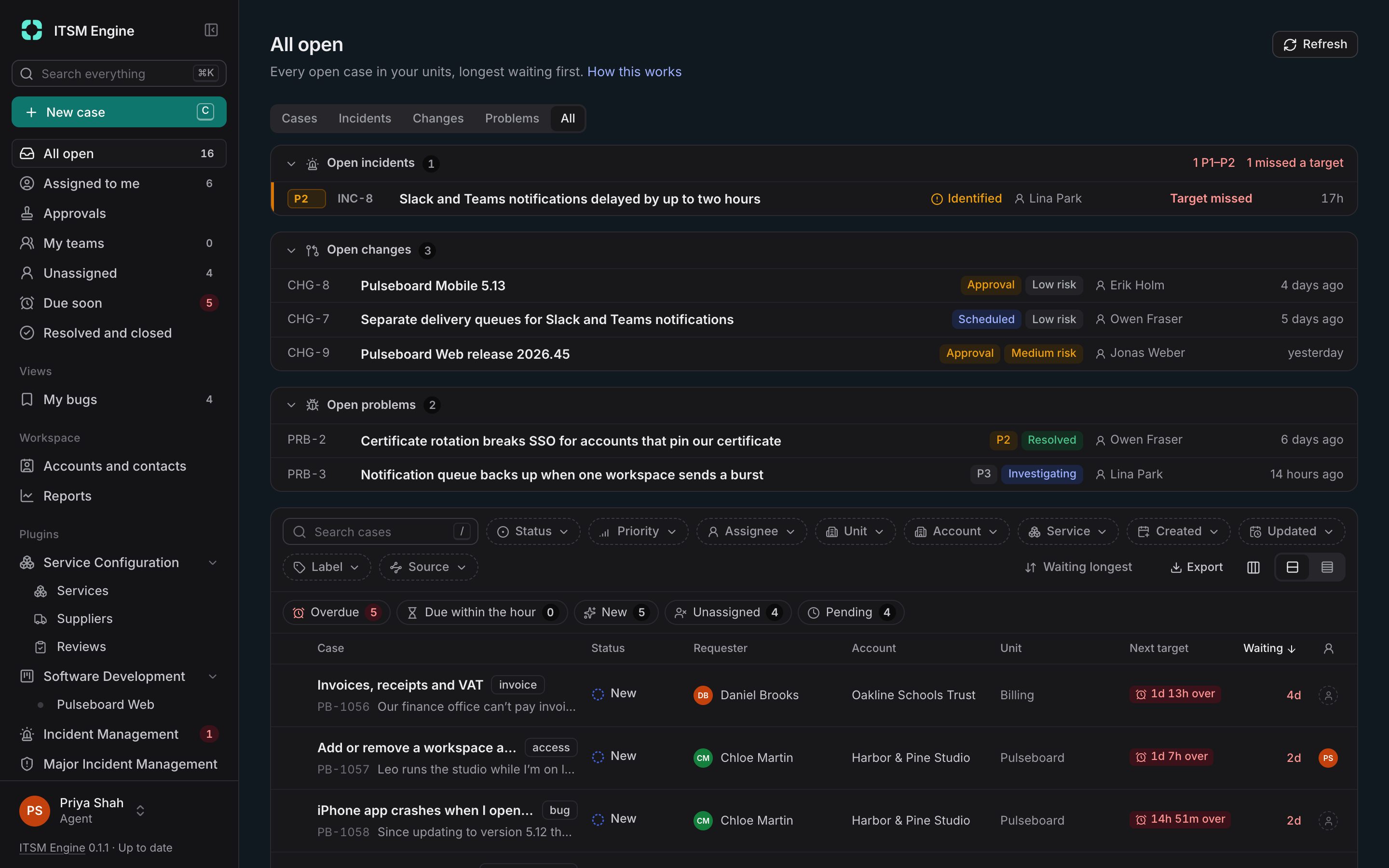
Agents work from views with live counts: All open, Assigned to me, My teams, Unassigned, Due soon and Resolved and closed. Filters live in the URL, so a filtered list can be shared as a link, and saved views can be shared with people, teams, units or everyone.
On the case page the conversation is in the middle and the details are in a side panel: status, priority, assignee, team queue, unit, labels and service level, then the linked services, incidents, problems and developer tasks. Sending a reply sets the case to Pending; when the requester answers, it opens again.
Colleagues on the same case show up as they arrive, with a warning when someone else is writing a reply. Duplicates are merged, requests from unknown senders can wait for review, and a case under legal hold can’t be removed by anything.
What it includes
Views with live counts
Built-in views, your own saved views, and At a glance chips for overdue, due within the hour, new, unassigned and pending cases.
Filters and search
Filter by status, priority, assignee, unit, account, label, source, service, contact or your own properties. Search covers subjects, requesters and the text of messages and notes.
Replies and internal notes
Markdown, attachments, the signature of the case’s brand and language, and a preview of the exact email. Send, or send and resolve.
Canned replies
Answers for common questions, kept per unit and offered on the units below it.
Bulk actions
Assign, set status or priority, add labels or merge many cases at once, with the same checks as by hand.
Export with a checksum
The list as Excel, CSV or PDF, up to 20,000 cases, each export logged with its checksum.
Merging, holding and legal hold
Merge duplicates from the same requester, accept or reject held requests, and keep cases under legal hold.
Built for the keyboard
c for a new case, / to search, j and k to move through the list, and a compact layout with your own columns.