Who can see what, and why
A compliance plugin for the questions auditors ask about access: what a person can see and why, who can see a record, how access changed, and proof that the right people checked it.
How it works
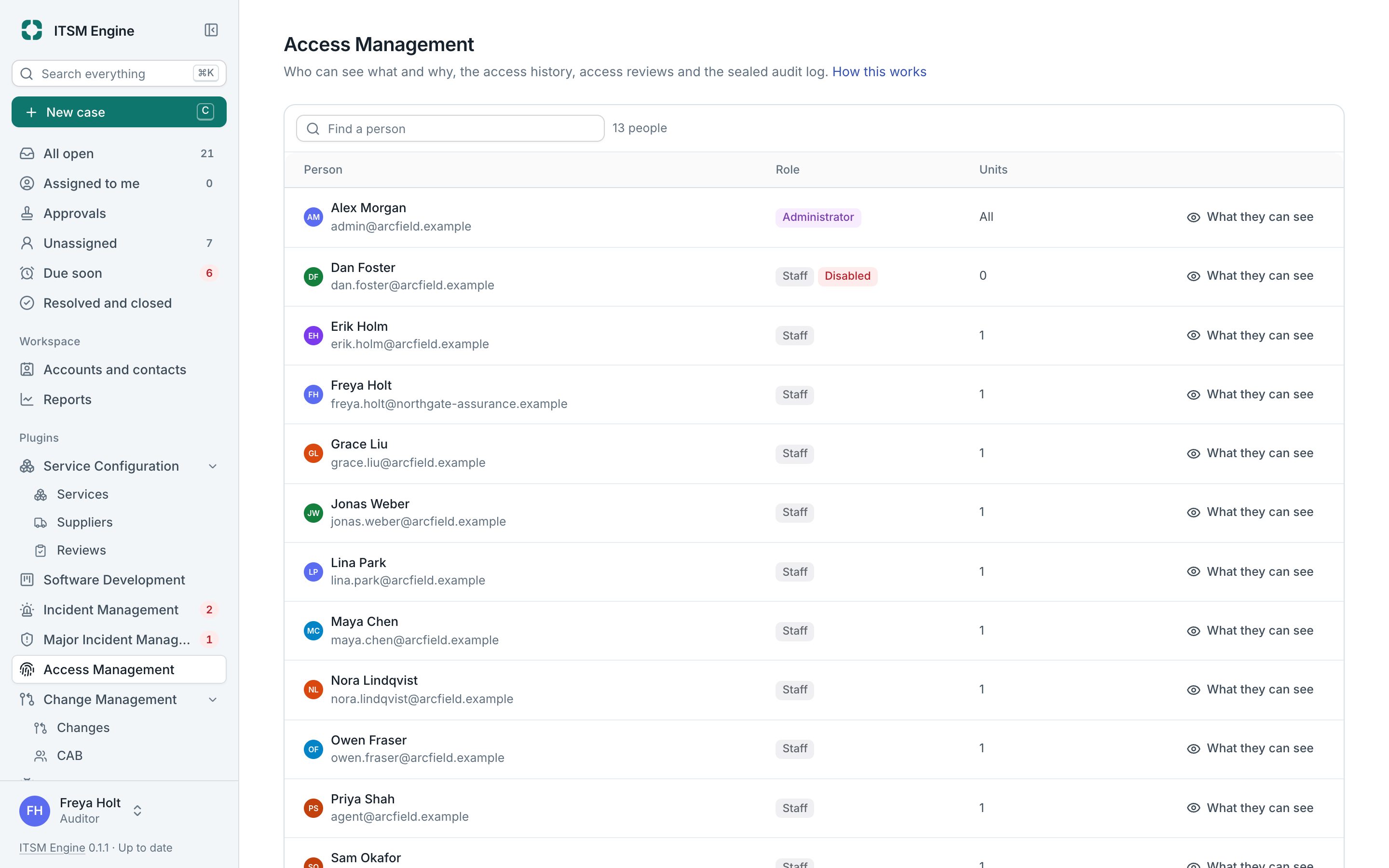
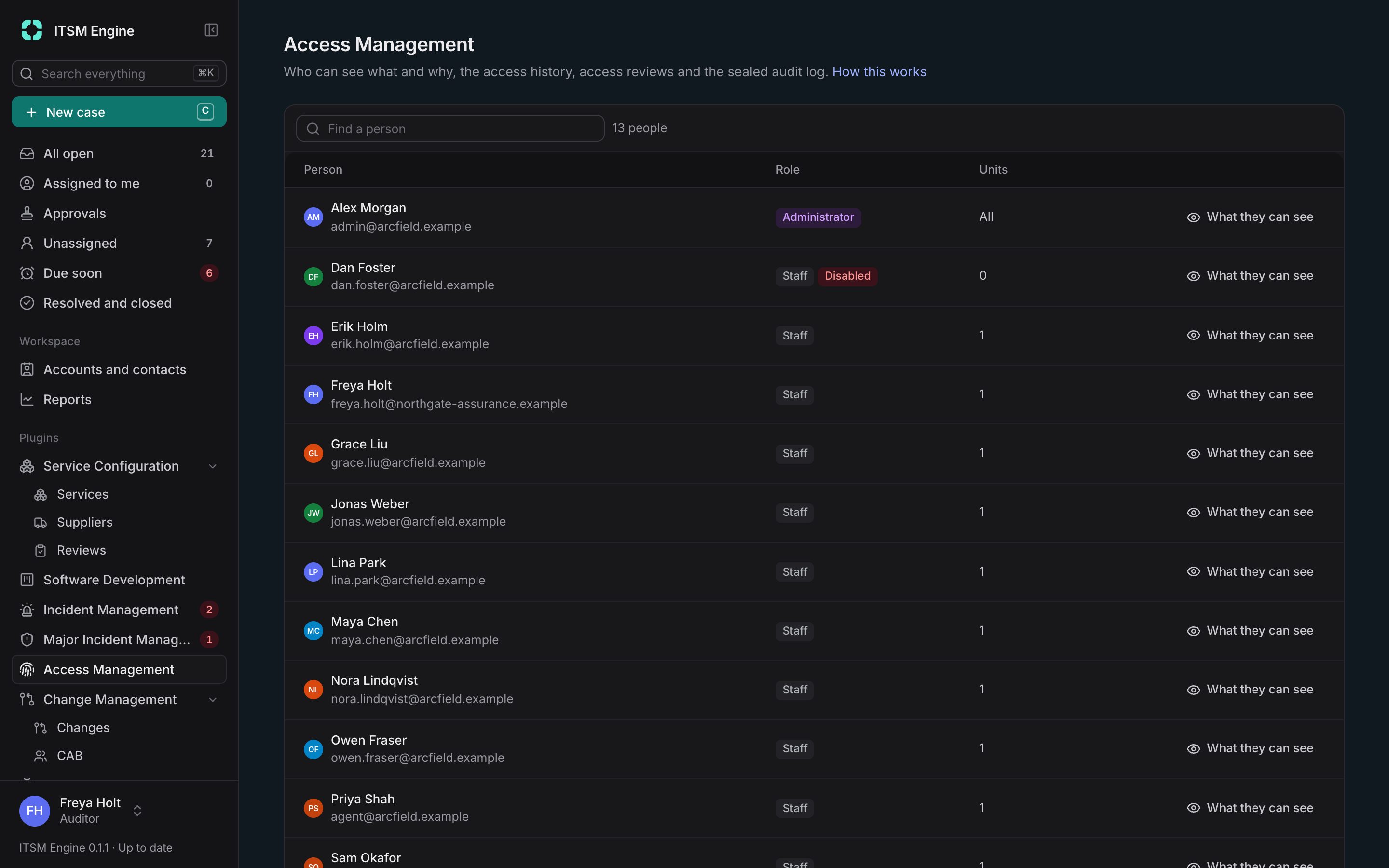
A person’s page shows their units, their access in plugins such as developer projects and how they got it, the API tokens acting as them and recent changes. Who can see answers the same for a unit, a case or a project.
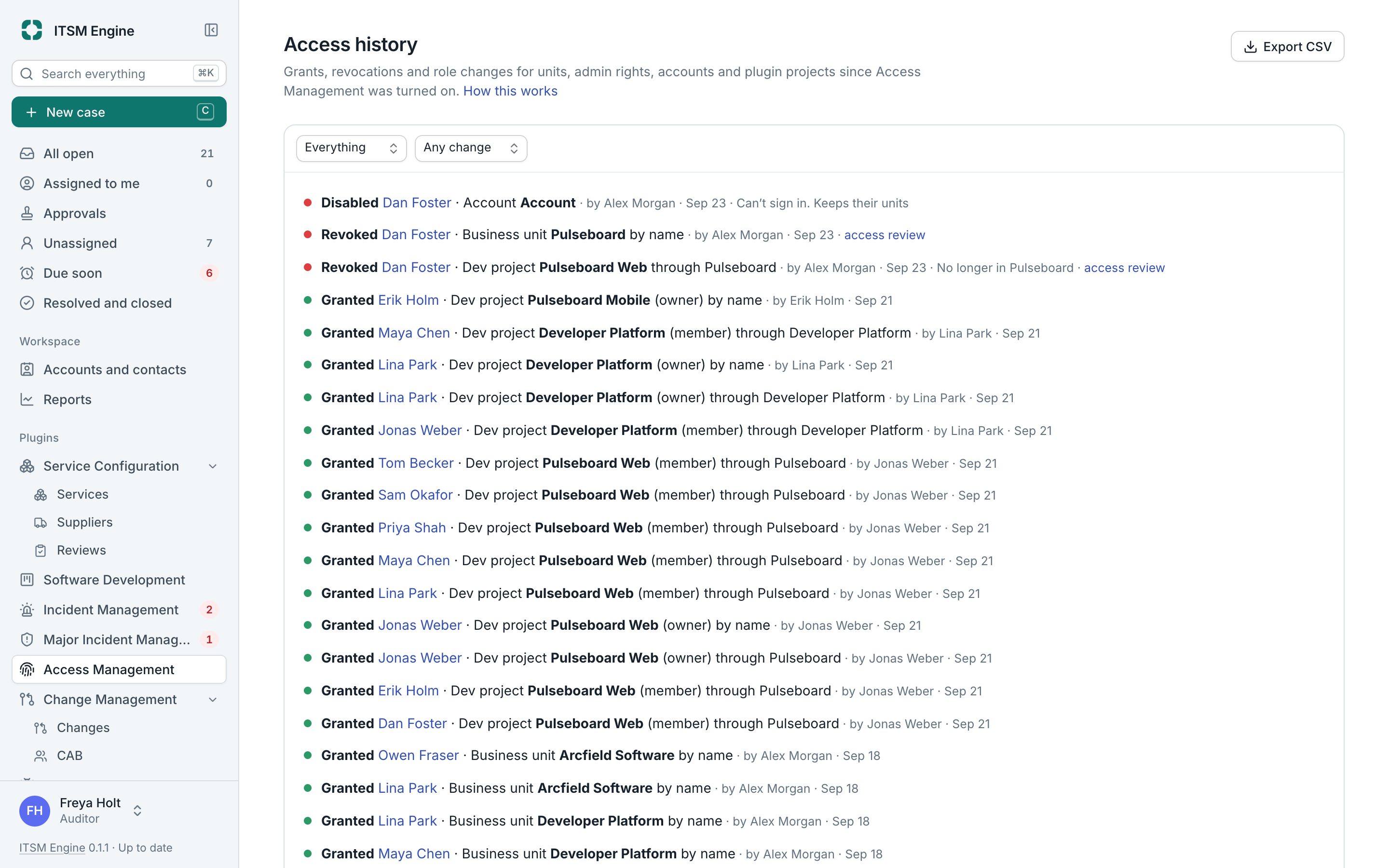
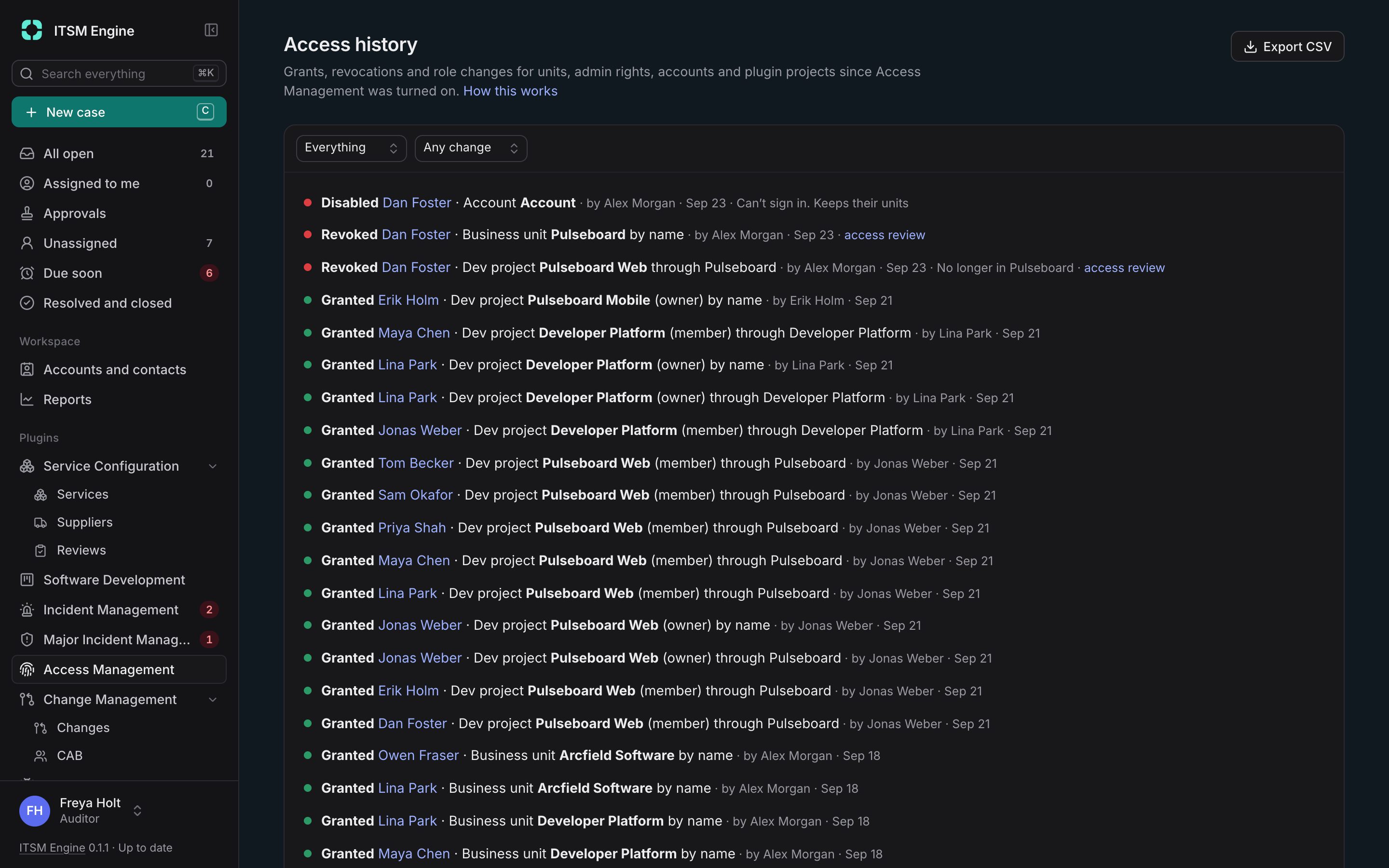
History records every grant and revocation since the plugin was turned on, with names kept as they were. Access reviews take a snapshot of current access and email the reviewers, who keep or remove each grant. Closing a review locks it, and its decisions export as CSV evidence.
Alerts tell you about new admins, any grant if you like, or many people given access at once. The audit log gains search, CSV export, retention per kind of entry and a hash-chain seal you can check at any time.
Access Management is a plugin. It is built into the desk and free like everything else: an admin turns it on under Settings → Plugins, and turning it off hides it everywhere and keeps its data.
What it includes
People and Who can see
Access explained from both sides.
History
Every grant and revocation, filterable and exportable.
Access reviews
Snapshots, reviewers, reminders, Keep or Remove, and CSV evidence.
Alerts
New admins, any access and many at once, by email and on the page.
Sealed audit log
Search, export and a seal check.
For assistants too
MCP tools for what a person can see and who can see a record.